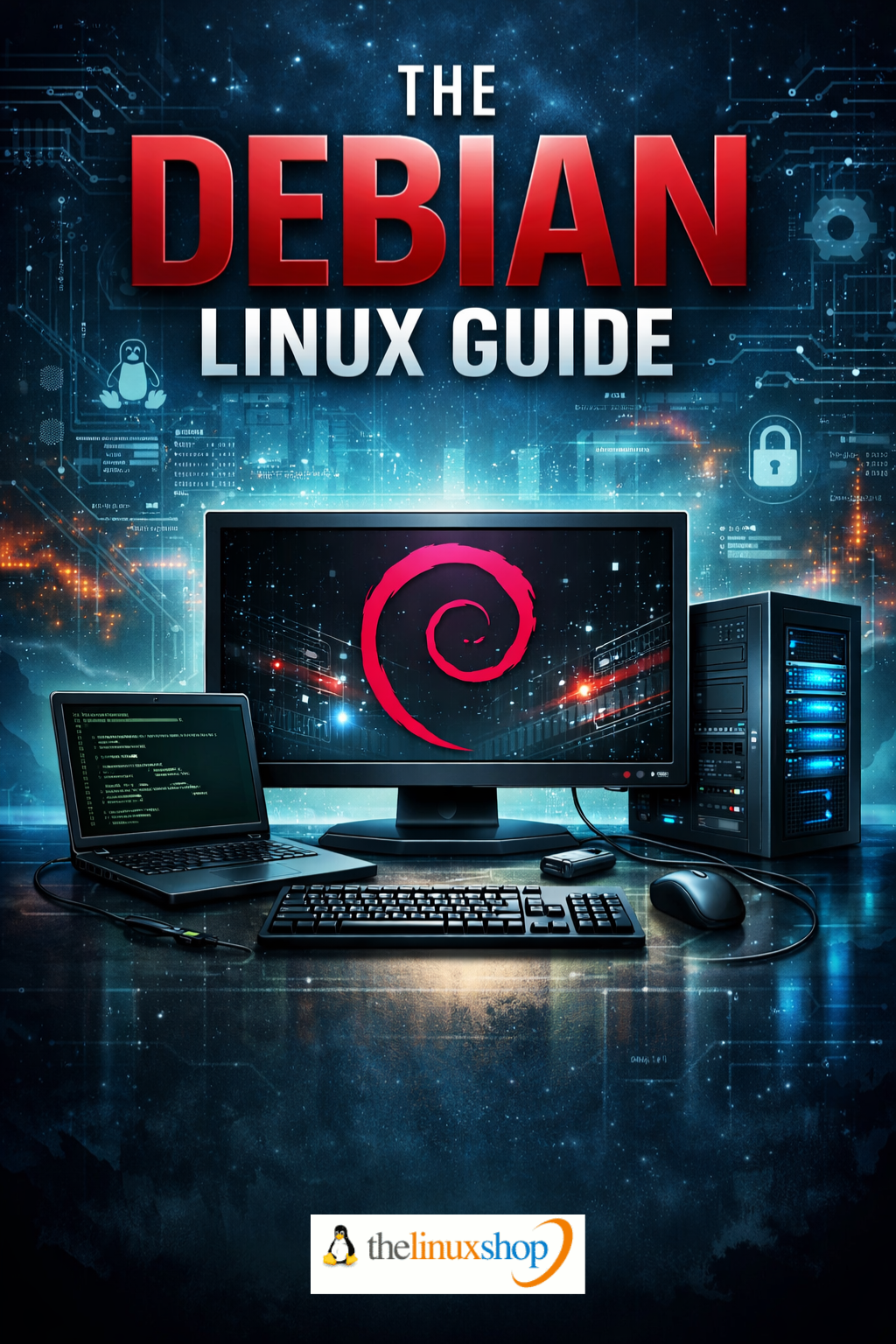
The Debian Linux Guide is a comprehensive, practical ebook that takes you from first encounter with Debian through to a confident, everyday user experience. Whether you are installing Debian for the first time, setting up a reliable desktop, or maintaining a stable server, this guide walks you through each step in clear, structured language without overwhelming jargon. It is ideal for users moving from Windows or macOS, as well as those returning to Linux who want a solid, up‑to‑date reference rather than a scattered collection of online tutorials.
Written specifically for the Debian distribution, this guide explains how Debian works, how its package management and repositories fit together, and how to keep your system secure and up to date. You will learn how to install Debian on a wide range of hardware, manage software with APT, configure the desktop environment to your liking, and handle everyday administration tasks with confidence. Throughout, the focus is on practical, real‑world setups that you are likely to use at home, in the office, or on a small server.
What this ebook covers:
- Debian installation, step by step – From preparing boot media and choosing editions to partitioning disks and completing the installer screens
- First‑time system setup – User accounts, basic security, updating the system, and essential post‑install checks
- Desktop environments – Choosing and configuring GNOME, KDE, Xfce and others for a smooth, productive desktop experience
- Software management with APT – Installing, removing and updating packages using command‑line and graphical tools
- Hardware and peripherals – Getting Wi‑Fi, printers, graphics and other devices working reliably under Debian
- System administration basics – Users and groups, file permissions, services, logs, and useful terminal commands
- Networking and internet – Wired and wireless network setup, SSH access and basic remote management
- Maintenance and troubleshooting – Backups, recovery strategies, system cleanup and how to diagnose common issues
Who this ebook is for:
- New Debian users who want a clear, structured introduction without assuming deep Linux knowledge
- Switchers from Windows or macOS who prefer an organised guide over piecing things together from forums and videos
- Everyday desktop users who need Debian to “just work” for browsing, office work, media, and general computing
- Curious tinkerers and home server users looking for a stable, well‑documented distribution to build on
Rather than focusing solely on beginners, The Debian Linux Guide stays useful as your skills grow: the same chapters that help you through your first install also serve as a handy reference when you come back to configure networking, add extra desktops, or troubleshoot a problem later on. Screenshots, examples, and explanations are chosen to be clear and practical without dwelling on Windows comparisons, so you can concentrate on learning Debian the way it is designed to be used.
You can read it easily on your PC, laptop, tablet, phone or Kindle, so your Debian reference is always within reach whether you are sitting at your main machine, working on a secondary system, or experimenting with a virtual machine.
Number of Pages: 213
Format: PDF
Availability: Instant Delivery via Download