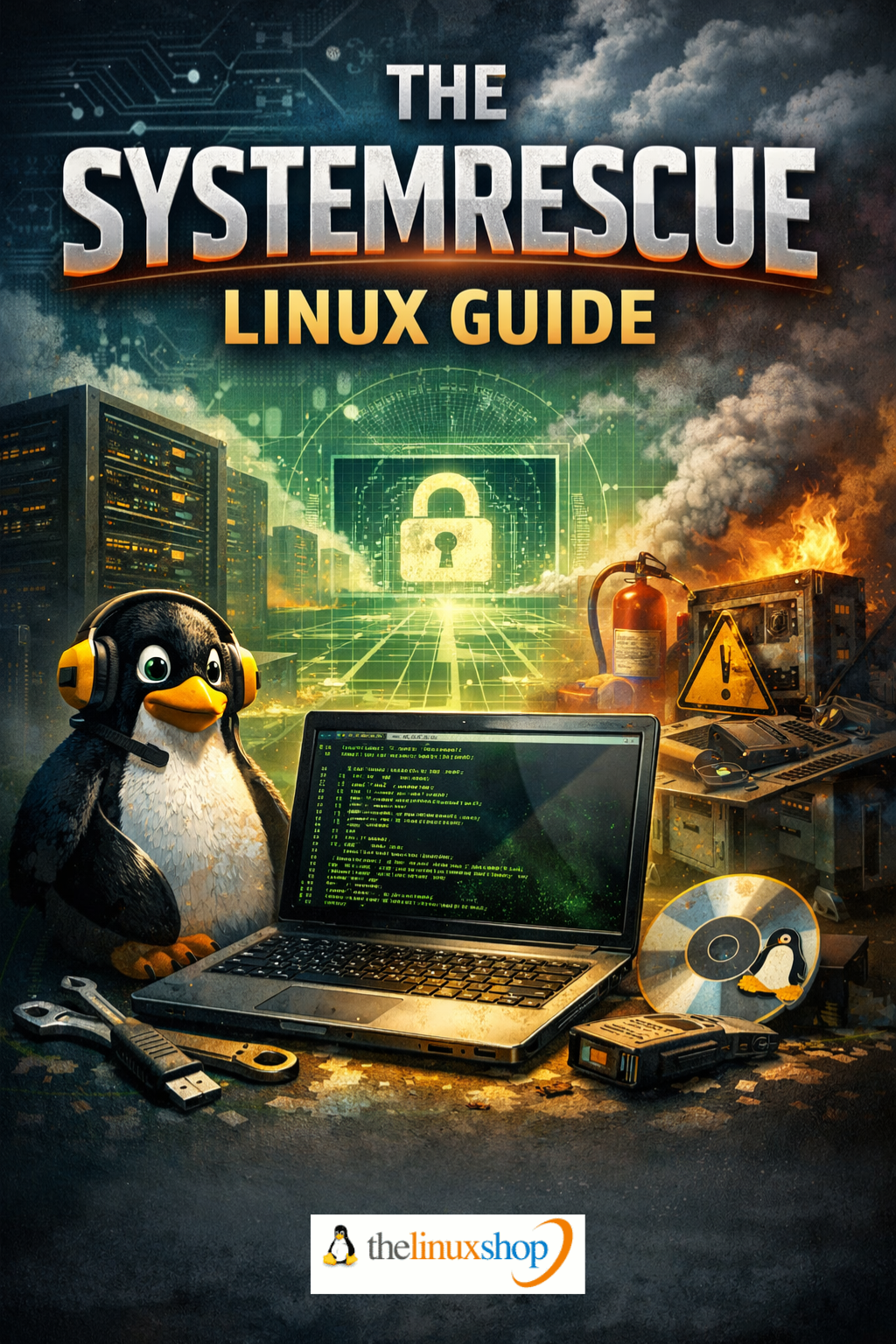
The SystemRescue Linux Guide is a comprehensive, practical handbook for one of the most powerful rescue and recovery tools available. Whether you're facing an unbootable system, a failing hard drive, lost partitions, or a forgotten password, this guide walks you through SystemRescue's full toolkit with clear, step-by-step instructions. At 309 pages of in-depth coverage, this is the definitive reference for getting the most out of SystemRescue — from your very first boot to advanced recovery techniques.
What You'll Learn:
- Bootable Media Creation — Download, verify, and write SystemRescue to USB or DVD using Rufus on Windows
- GParted Partition Management — Resize, move, create, and repair partitions with the powerful graphical partition editor
- Data Recovery — Rescue files from unbootable systems using TestDisk, PhotoRec, and ddrescue
- Windows & Linux Boot Repair — Fix broken bootloaders, repair GRUB, and recover from failed Windows updates
- Password Reset — Reset forgotten Windows passwords quickly and freely using chntpw
- Disk Cloning & Backup — Create full system images and clones with FSArchiver and Clonezilla
- Filesystem Repair — Check, repair, and resize filesystems across NTFS, ext4, Btrfs, FAT32, and more
- Disk Health Monitoring — Diagnose drive health with SMART tools before failure strikes
- Memory Testing — Test RAM thoroughly with Memtest86+
- Antivirus Scanning — Scan infected drives from a clean environment using ClamAV
- Remote Access & Repairs — Connect via SSH and VNC for remote recovery sessions
- Secure Data Deletion — Permanently wipe drives before sale or disposal
- Network Configuration — Get connected via wired or WiFi, including NetworkManager, nmtui, and static IP setup
- Persistent Customisation — Save configurations and autorun scripts across boots
- Extending SystemRescue — Install additional packages on the fly with Pacman
Why This Guide:
- All 28 Chapters Covered — From first boot through to advanced recovery and a handy quick-reference toolkit chapter
- Plain English Throughout — Technical concepts explained with real-world analogies, not jargon
- Exact Commands Included — Every Linux command is clearly presented so you can follow along with confidence
- Windows & Linux Systems — Covers rescue operations for both, making it useful regardless of your usual OS
- Based on SystemRescue 12.03 — Written to the latest release, dated December 2025
SystemRescue is built on Arch Linux and boots entirely from USB or DVD, running independently of whatever operating system is installed on the target machine. This guide covers both the graphical Xfce desktop environment and the console, giving you the knowledge to choose the right approach for each task. From partition recovery to antivirus scanning, from cloning a failing drive to resetting a locked account, every chapter is structured so you can jump straight to the solution you need in an emergency — or read cover to cover to build a solid foundation.
Whether you're an IT enthusiast, someone responsible for keeping family computers running, a small business owner who can't afford downtime, or simply a computer user who wants to be prepared for the unexpected, this guide transforms SystemRescue from an intimidating toolkit into a trusted companion. It's the kind of knowledge you hope you never urgently need — but will be extremely glad you have when you do.
Number of Pages: 309
Format: PDF
Availability: Instant Delivery via Download
Read it easily on your PC, Laptop, Tablet, Phone or Kindle.
Available Options:
Ebook: