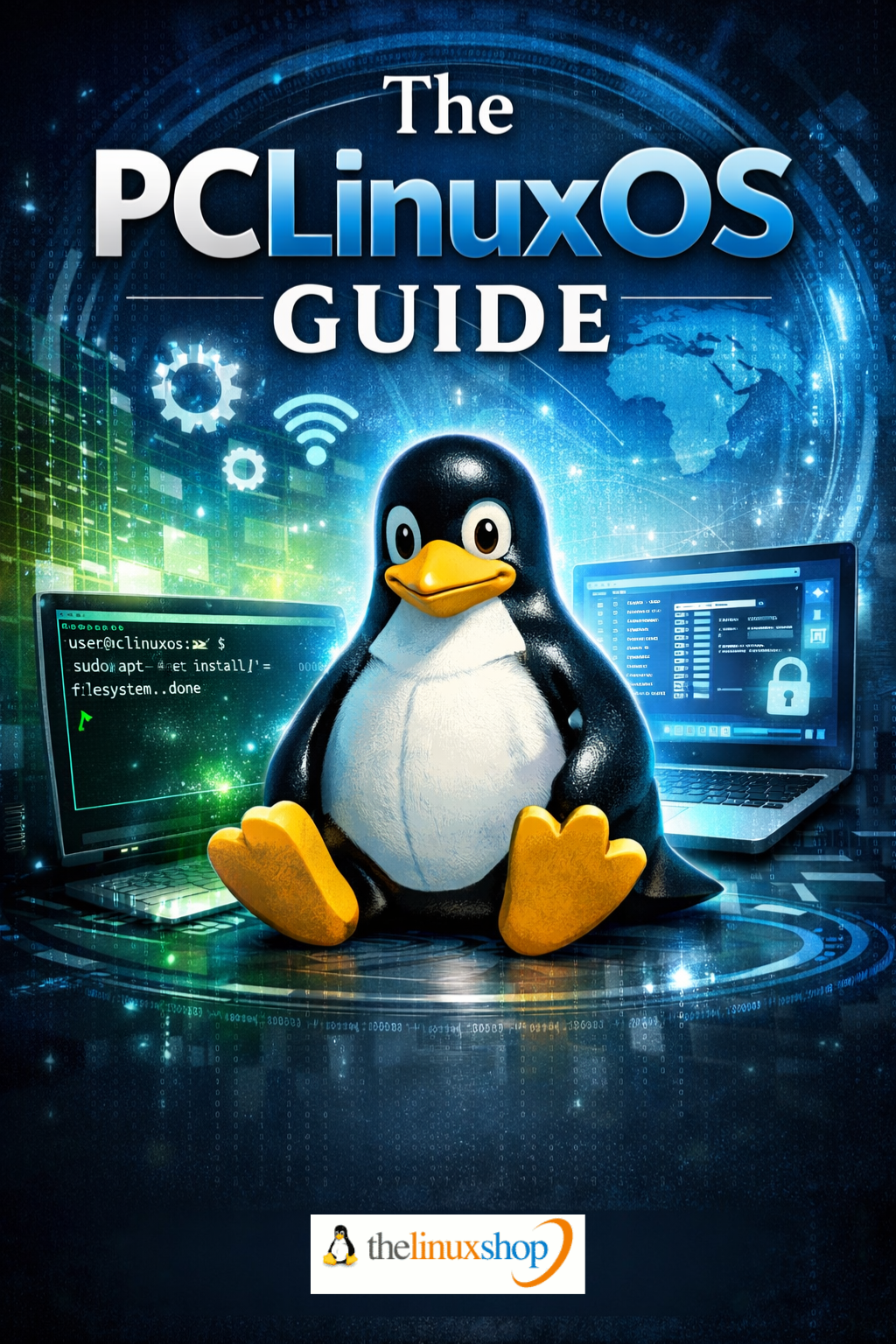
The PCLinuxOS Guide is a comprehensive, reader-friendly guide to one of Linux's most stable and long-standing desktop distributions — a rolling-release system that installs once and updates forever. Whether you're exploring Linux for the first time or switching from another distribution, this guide gives you everything you need to get PCLinuxOS installed, configured, and running exactly how you want it.
PCLinuxOS has been in continuous development since 2003 and remains one of the most polished, independent, and user-focused Linux distributions available. This guide covers all three official desktop editions — KDE Plasma, MATE, and Xfce — and walks you through every stage from choosing your edition right through to advanced power-user features.
What's Covered:
- Choosing Your Edition — KDE Plasma, MATE, or Xfce explained, with hardware recommendations for each
- Live Environment Testing — Try PCLinuxOS from USB before committing to install
- Full Installation Guide — Fresh install and dual-boot alongside Windows, step by step
- Getting Online — WiFi, wired networking, and USB dongle setup covered in full
- Synaptic Package Manager — Installing, removing, and managing software the easy way
- PCLinuxOS Control Center — Graphical system administration without the command line
- Desktop Customisation — Themes, panels, widgets, and making the desktop truly yours
- System Updates and Maintenance — Keeping a rolling-release system healthy and up to date
- Troubleshooting — Solutions to the most common issues new users encounter
- Power User Features — Terminal basics, Flatpak, Wine, Steam/Proton, VirtualBox, and more
- The PCLinuxOS Community — Forums, the monthly magazine, and where to get help
Why PCLinuxOS?
- Install Once, Update Forever — The rolling-release model means no version upgrades, ever
- Truly Independent — No corporate agenda, no telemetry, no forced cloud integration
- Runs on Older Hardware — Xfce and MATE editions breathe new life into machines from 2008 onwards
- Graphical System Administration — The PCLinuxOS Control Center handles hardware, security, and networking without a terminal
- Over Two Decades of Development — A project with proven longevity, an active community, and a monthly magazine
This guide takes a practical, jargon-free approach throughout. Each chapter builds naturally on the last, moving from installation through everyday use and into more advanced territory for those who want to go further. Linux commands are clearly highlighted where they appear, and every major step is explained in plain language so you always understand not just what to do, but why.
PCLinuxOS is built around the philosophy that your computer should work for you — no forced restarts, no data collection, no operating system demanding your attention. This guide reflects that same ethos: straightforward, respectful of your time, and focused entirely on getting you productive. From the Synaptic Package Manager to the unique mylivecd tool that lets you create a personalised bootable backup of your entire system, every feature that makes PCLinuxOS special is covered in full.
Read it easily on your PC, Laptop, Tablet, Phone, or Kindle — delivered instantly as a PDF download the moment your order is placed.
Number of Pages: 218
Format: PDF
Availability: Instant Delivery via Download
Available Options:
Ebook:

.png "Linux USB Triple Pack (Ubuntu vs Linux Mint vs Zorin OS)")