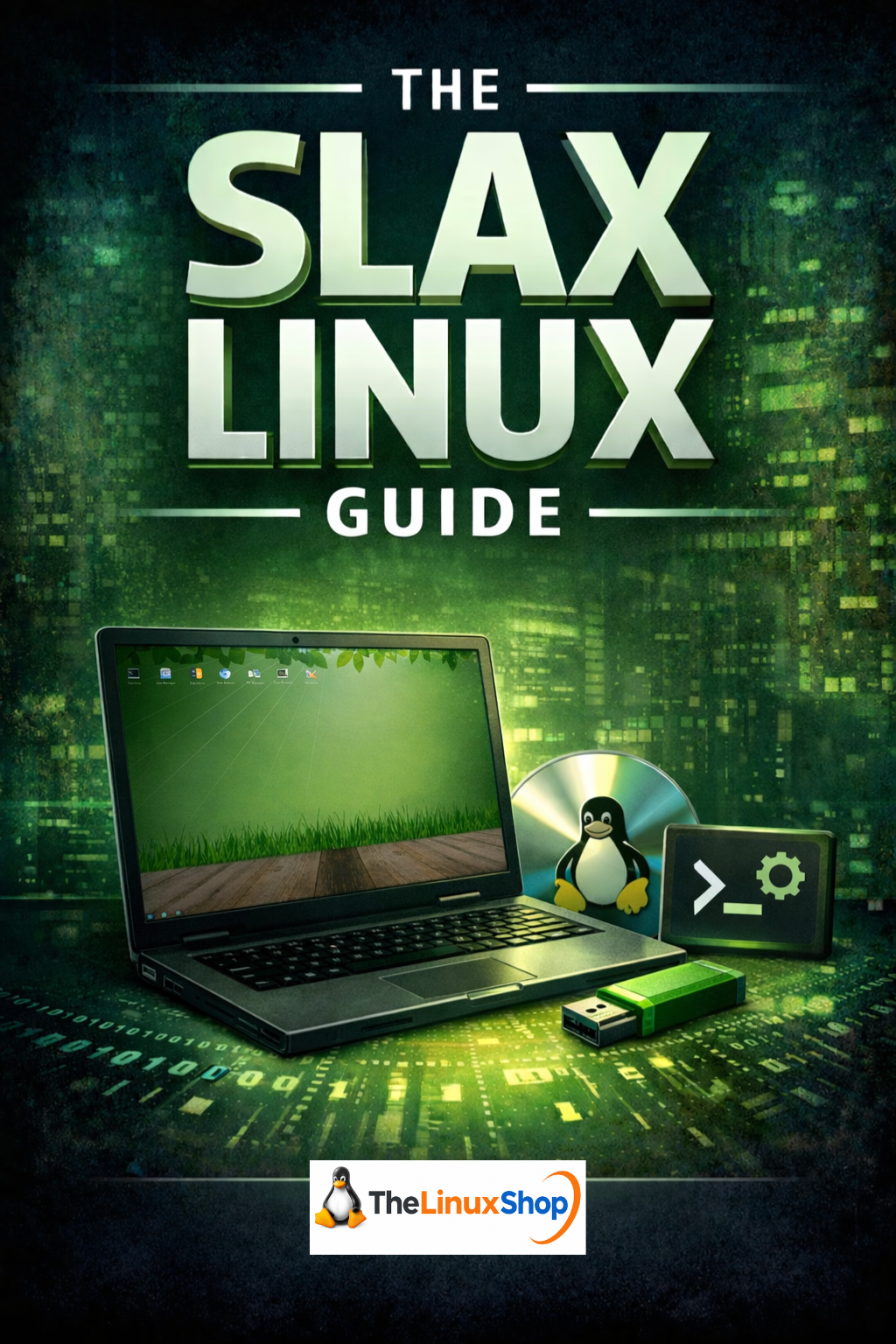
The Slax Linux Guide is a comprehensive, easy-to-follow digital guide to one of the most unique and portable Linux distributions available. Slax is a compact, fast, and modular operating system that runs directly from a USB stick — no installation required — making it ideal for breathing new life into older hardware, creating a secure portable computer, or simply exploring Linux at your own pace. This guide walks you through everything from your very first boot to installing software, managing files, and understanding Slax's powerful persistence system.
What's Covered:
- Getting Started with Live Media — Understand how Slax runs entirely from USB without touching your existing system
- First Boot and BIOS Setup — Step-by-step guidance through boot menus, Secure Boot, and UEFI settings
- Navigating the Fluxbox Desktop — Learn the desktop environment, taskbar, file manager and core applications
- Persistent Storage — Save your files, settings, and changes across sessions
- Software and Modules — Install and manage apps using Slax's unique modular system and package management
- Terminal Basics — A gentle, jargon-free introduction to the command line
- Debian vs. Slackware Editions — Understand the difference between the two Slax variants and which is right for you
- Installing to Hard Drive — Make Slax your permanent operating system when you're ready
- Troubleshooting and Next Steps — Solve common issues and discover where to go from here
Why Slax?
- Runs from a USB Stick — No installation needed; your entire OS fits in your pocket
- Revives Old Hardware — Slax is lightweight and lightning-fast on machines Windows struggles with
- Modular by Design — Add and remove software cleanly, like snapping LEGO bricks together
- Privacy Focused — No telemetry, no tracking, no background reporting
- Two Editions Covered — Both the Debian-based and Slackware-based versions explained
Whether you're running Slax from a USB drive as a portable, secure computing environment or planning to install it permanently, this guide gives you the knowledge to use it with confidence. The guide covers the Fluxbox window manager, file system navigation, network connectivity, the terminal, and Slax's distinctive module-based software system — all explained with clear analogies and practical, real-world examples that make complex concepts approachable.
Slax has a unique heritage — originally built on Slackware, one of the oldest Linux distributions, and later offering a Debian-based edition alongside it. Chapter 10 of this guide dedicates a full exploration to understanding both variants, what makes each one different under the hood, and how that affects the way you install and manage software. It's the kind of in-depth background knowledge that helps you feel genuinely confident with the OS, not just able to follow instructions.
This guide is an excellent companion whether you've purchased a pre-loaded Slax USB from TheLinuxShop.co.uk or downloaded the ISO yourself. Read it easily on your PC, Laptop, Tablet, Phone or Kindle — the PDF format is clean, well-structured and designed for comfortable reading on any screen size.
Number of Pages: 67
Format: PDF
Availability: Instant Delivery via Download
Available Options:
Ebook:

.png "Linux USB Twin Pack (Ubuntu vs elementaryOS)")