
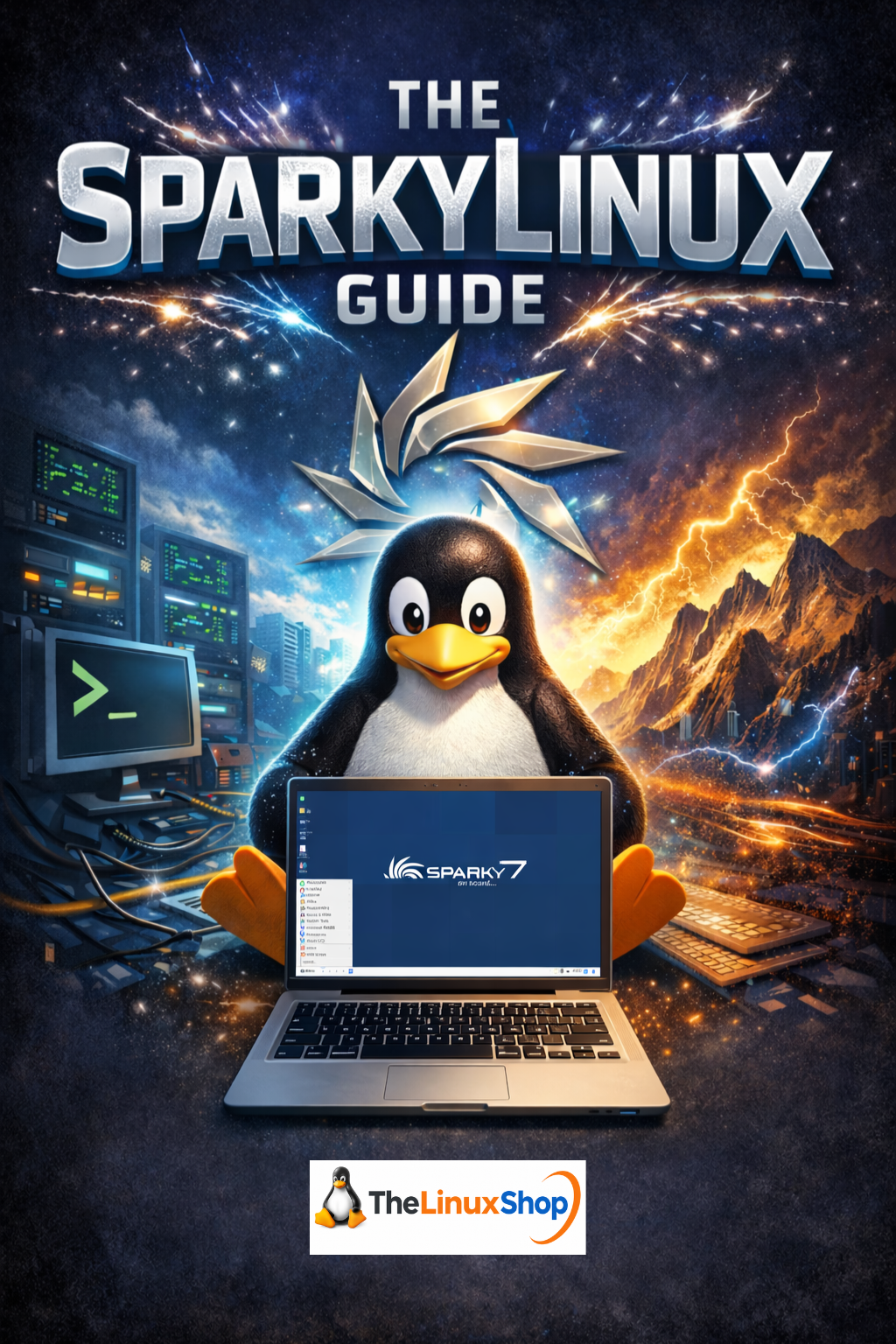
The SparkyLinux Guide is a focused, practical ebook that shows you exactly how to turn tired, “end-of-life” Windows machines into fast, responsive Linux systems using SparkyLinux. Written in a clear, conversational style, it walks you from first contact with Sparky through to a fully installed, customized, and maintained desktop that feels familiar yet dramatically more efficient.
This guide is ideal for users who are frustrated with slow Windows 10/11 updates, blocked from upgrading to Windows 11, or told their older hardware is “obsolete”, yet still perfectly usable. Rather than preaching theory, it uses down‑to‑earth analogies and concrete examples to show how SparkyLinux can breathe new life into hardware that is ten or even twenty years old, while still scaling beautifully on modern PCs.
What you’ll learn inside:
- Why SparkyLinux? – Understand SparkyLinux as a lightweight, Debian-based “classic car restoration kit” that replaces bloated systems with a fast, modern Linux environment without throwing away your existing hardware.
- Debian under the hood – See how Sparky sits on top of Debian’s rock‑solid foundation, gaining industrial‑grade stability while adding user‑friendly tools, drivers, and codecs for everyday desktop use.
- Choosing Stable vs Rolling – Learn the practical difference between Sparky Stable and Semi‑Rolling/ Rolling editions using clear “library vs news feed” style explanations, so you can confidently pick the right update model for your needs.
- Hardware and architecture made simple – Step‑by‑step guidance on checking your hardware, understanding 32‑bit vs 64‑bit systems, and selecting the correct Sparky image for everything from 15‑year‑old laptops to recent desktops.
- Creating bootable media – Detailed walkthrough of downloading ISO images, verifying them, and using tools like BalenaEtcher to create reliable bootable USB drives, plus when it’s easier to just order ready‑made media from TheLinuxShop.co.uk.
From live test drive to full install:
- Safe Live environment walkthrough – Explore Sparky’s desktop directly from USB/DVD without touching your Windows installation, while checking Wi‑Fi, sound, display, and input devices in a risk‑free “test drive”.
- Calamares graphical installer – Follow a fully graphical, mouse‑driven installation process that feels more like filling in a form than “hacking” a system, including language, timezone, keyboard, and partition choices.
- Dual‑boot vs fresh install – Understand the real implications of erasing disk vs installing alongside Windows, with practical, non‑scary explanations framed in land/house analogies.
- Login, desktop, and everyday workflow – Learn the Sparky desktop layout (Xfce or LXQt), menu, panel, file manager, and where your “C: drive” equivalents live, using kitchen and office analogies to ease the transition.
Daily life, apps, and customization:
- APTus and software management – Master Sparky’s custom tools and Debian repositories for installing and updating software safely and easily, without hunting random installers around the web.
- Office, web, and multimedia – Configure browsers, office suites, and media players, and take advantage of Sparky’s pre‑included codecs and drivers so your web, video, and music “just work”.
- Gaming and GameOver Edition – Discover Sparky’s gaming‑focused options, including the GameOver Edition, and how to get modern titles and emulators running smoothly where the hardware allows.
- Customization and desktop environments – Tweak themes, panels, menus, and even switch desktop environments to create a workspace that matches your habits—whether you prefer something Windows‑like or more minimalist.
Maintenance, rescue, and next steps:
- Simple, predictable maintenance – Learn how to keep SparkyLinux updated and clean using straightforward tools that avoid the “system rot” and intrusive update behaviour common in other operating systems.
- Rescue Edition and recovery tools – Use Sparky’s Rescue Edition, plus tools like Clonezilla and GParted, as a bootable safety net for fixing boot problems, recovering systems, and managing disks like a pro.
- Community and long‑term learning – Get introduced to the SparkyLinux community, forums, and broader Linux ecosystem so you always know where to ask questions and continue improving your skills.
- AI as a helper, not a crutch – Practical tips on using modern AI tools to debug errors, understand commands, and accelerate your learning curve while you grow into a confident Linux user.
Throughout, the focus stays on making SparkyLinux approachable for everyday computer users without turning it into a basic “for dummies” book. Windows users and newcomers are supported with clear explanations and analogies, but the guide also respects technically curious readers who want to understand what’s happening under the hood.
You can read this guide comfortably on your PC, Laptop, Tablet, Phone or Kindle, making it easy to follow along at the desk, on the sofa, or with a device propped up next to your target machine while you install.
Supplied as: Ebook Download
Title: The SparkyLinux Guide
Edition: Latest PDF Release
Number of Pages: 67
Format: PDF
Availability: Instant Delivery via Download
Available Options:
Ebook:

.png "Linux USB Twin Pack (Ubuntu vs elementaryOS)")