The Ubuntu Budgie Linux Guide is a complete, friendly walkthrough of Ubuntu Budgie that takes you from curious Windows user to confident Linux desktop owner, without drowning you in jargon or assumptions. Written in clear, conversational English, this 131-page guide shows you exactly why Ubuntu Budgie is such a great alternative to Windows, how to install it safely, and how to feel at home on your new desktop whether you are reusing an older PC or setting up a modern machine.
Instead of just listing commands, this ebook explains what Ubuntu Budgie is doing for you and why it matters: faster boot times, less background bloat, fewer interruptions, no forced restarts for updates, and a far more privacy-respecting platform. You will see how Ubuntu Budgie can make sluggish laptops feel responsive again, how it avoids the constant antivirus arms race, and how its community-driven, open-source nature puts you back in control of your own computer.
What this guide covers:
- Why Ubuntu Budgie? – A realistic look at the pain points of Windows 10/11, and how Ubuntu Budgie directly solves them without expecting you to become a “techie”.
- Understanding Ubuntu Budgie – Clear explanations of the Budgie desktop environment, panels, menus, applets and notifications so the system feels intuitive from day one.
- Before you begin – Hardware requirements, backups, boot modes (UEFI/Legacy), and how to safely prepare a bootable USB without risking your existing data.
- Step‑by‑step installation – Using the modern Flutter-based installer, choosing language, keyboard layout, WiFi, and picking between erase-disk or dual‑boot with Windows.
- First boot and Budgie Welcome – Using the Budgie Welcome tool to apply sensible defaults, install recommended software, and make the desktop feel “yours” in minutes.
Using Ubuntu Budgie day to day:
- Desktop navigation – Panels, menu, system tray, workspaces and window management explained in simple terms so you always know “where things live”.
- Pre‑installed applications – Web browsing, email with Thunderbird, office work with LibreOffice, music and video playback, document viewing, and basic image handling.
- Software installation – Installing and removing software via the graphical Software/Apps center, plus how classic package management fits in behind the scenes.
- Customising your desktop – Themes, icons, fonts, panel layout and applets to tune Ubuntu Budgie to your tastes without breaking anything.
- Essential settings – User accounts, updates, drivers, printers, backups and power settings, presented as checklists you can follow at your own pace.
Reliability, security and troubleshooting:
- Security by design – How Linux’s permissions model, repositories and update system minimise classic Windows-style malware worries.
- Staying up to date – Keeping the system patched with graphical tools, understanding LTS-style release cycles, and when it actually makes sense to upgrade.
- Common issues explained – Practical chapters on WiFi quirks, bootloader/UEFI confusion, display problems and sound issues with realistic, step‑by‑step fixes.
- Taking it further – Suggestions for additional applications, light command‑line usage when it is genuinely simpler, and where to find community support.
This guide is deliberately written so that someone coming from Windows can follow along comfortably, but it never talks down to you or assumes you are a total beginner. Advanced users coming from other Ubuntu flavours or Linux Mint will appreciate the deeper sections on Budgie’s unique features, release cycle, and how to tailor a clean, distraction‑free desktop for work, study, or home use.
You receive the ebook as a high‑quality PDF, which means you can read it easily on your PC, Laptop, Tablet, Phone or Kindle (via PDF support), bookmarking pages and zooming in on screenshots whenever you need a closer look. It makes an ideal companion to an Ubuntu Budgie USB stick, giving you both the operating system and a friendly handbook to go with it.
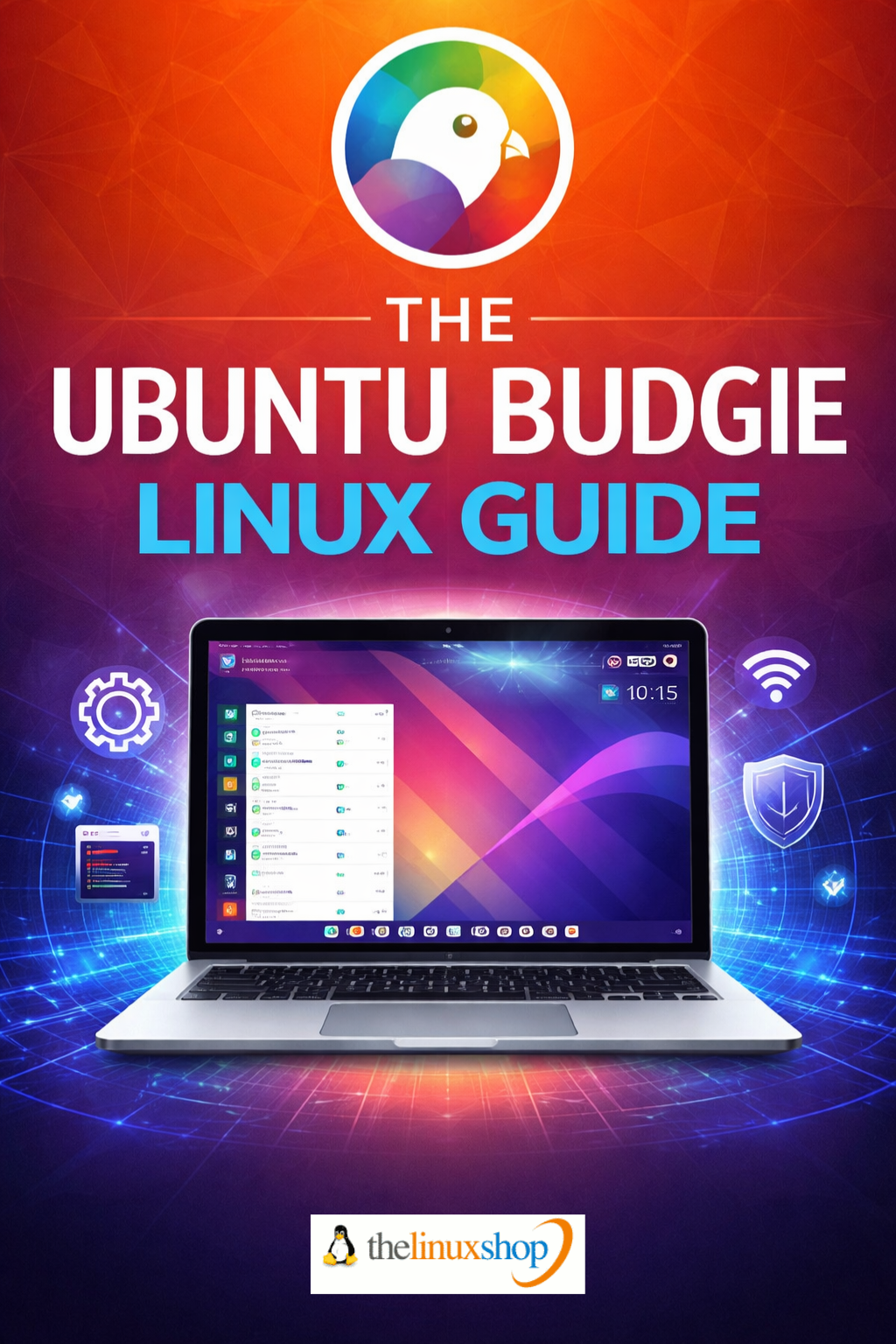
Number of Pages: 131
Format: PDF
Availability: Instant Delivery via Download
Available Options:
Ebook: