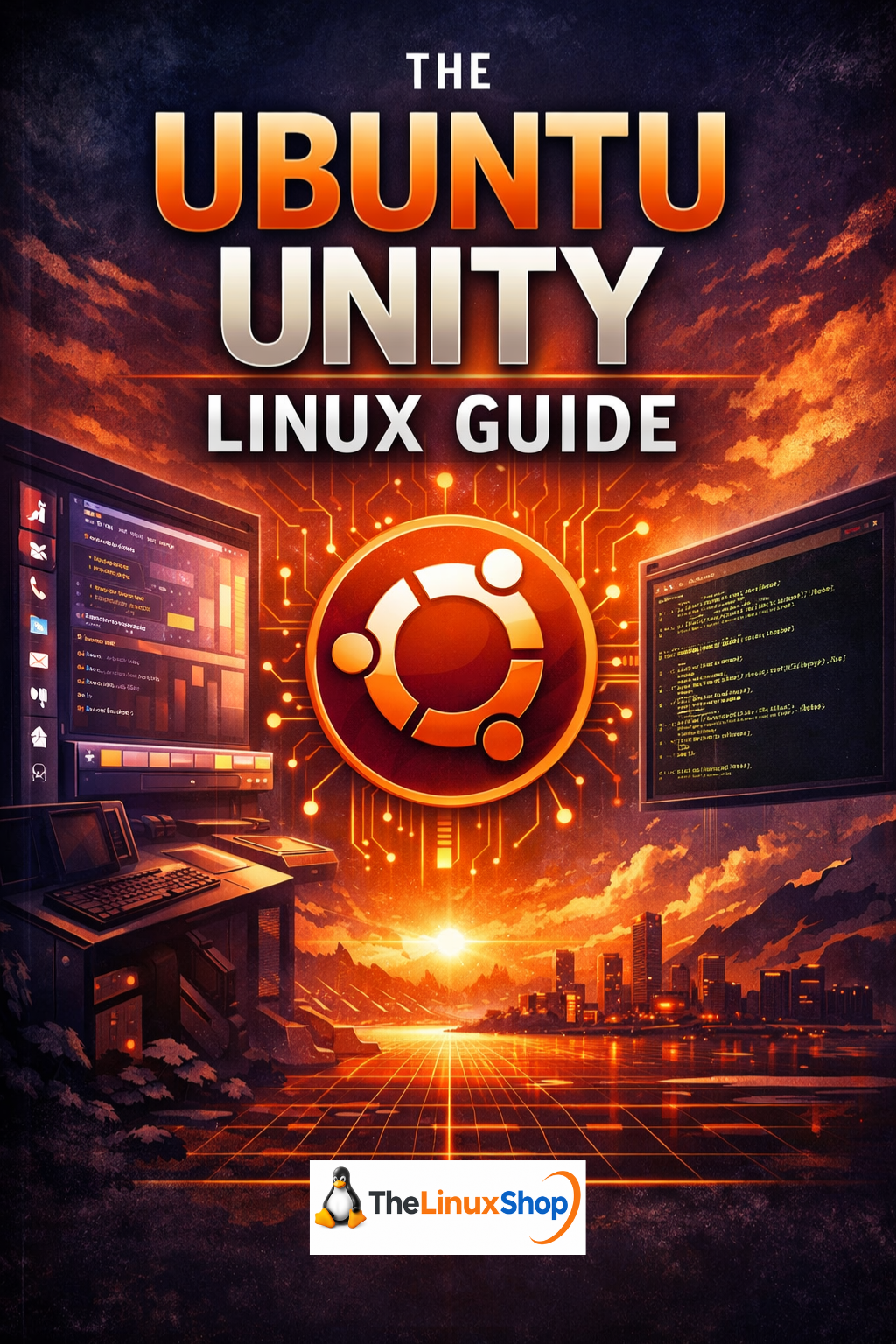
The Ubuntu Unity Linux Guide is a comprehensive, clearly written guide to Ubuntu Unity — the efficient, search-driven Linux desktop built on Ubuntu's rock-solid foundation. Ubuntu Unity combines Canonical's proven Ubuntu base with the distinctive Unity desktop environment, delivering a focused, productive computing experience with a vertical launcher, global menu, and powerful search-driven workflow. This guide walks you through everything you need to know, from first boot to confident everyday use, written in plain English without unnecessary jargon.
What's Covered:
- The Unity Desktop Explained – Understand the vertical launcher, top panel, global menu, and search-driven application workflow
- Installing Ubuntu Unity Step by Step – A calm, methodical installation walkthrough from live USB to full system
- Everyday Tasks the Ubuntu Unity Way – Browsing, email, documents, photos, and media covered in full
- Installing and Managing Software – Using the Ubuntu Software Centre and APT package manager without fear
- Updates, Security and Peace of Mind – Keeping your system current, safe, and stable
- Customising Unity – Adjusting the launcher, themes, keyboard shortcuts, and settings to suit your workflow
- Ubuntu Unity vs Other Linux Systems – Honest comparison with Linux Mint, standard Ubuntu (GNOME), Kubuntu, and others
- Hardware Compatibility – What to expect from Wi-Fi, printers, graphics, and older machines
- Trying Ubuntu Unity Safely – How to run it live from USB before committing to installation
- Where to Go Next – Resources, community, and continuing your Linux journey
Why Ubuntu Unity?
- Built on Ubuntu's Stable Foundation – All the reliability and software compatibility of Ubuntu with a distinct, productive desktop
- Efficient Search-Driven Workflow – Press a key, type what you want, open it — faster than hunting through menus
- Official Ubuntu Flavour – Fully supported, updated, and maintained as part of the Ubuntu family
- Runs Well on Older Hardware – Breathe new life into laptops and desktops that struggle under modern Windows
- Clean, Consistent Interface – Unity is opinionated by design, meaning less fiddling and more doing
- No Subscription, No Bloatware – A complete, capable operating system with no ongoing costs
Ubuntu Unity has a distinctive workflow that rewards users who value focus and consistency. The Unity desktop — originally developed by Canonical and now maintained by a dedicated community as an official Ubuntu flavour — features a vertical application launcher, a global top menu bar, and a powerful Dash search tool that puts any application, file, or setting within a keystroke. Unlike desktops that constantly reinvent themselves, Unity has remained deliberately stable, meaning the knowledge you build stays relevant. This guide captures that workflow and explains it in a way that makes the logic behind it immediately clear.
The guide covers the full software ecosystem available on Ubuntu Unity, including LibreOffice for documents and spreadsheets, Firefox for browsing, Thunderbird for email, and the extensive Ubuntu software repository containing thousands of free applications. Whether you are running Ubuntu Unity on a modern machine or giving an older laptop a second life, the hardware compatibility chapter gives you honest, practical guidance on what to expect — including Wi-Fi, printers, graphics cards, and USB peripherals. Where hardware needs attention, straightforward solutions are provided.
Ubuntu Unity suits a wide range of users — from those who remember Unity from the Ubuntu 12.04–16.04 era and want to return, to users exploring Linux for the first time and looking for something structured and productive. It is particularly well suited to users who prefer clarity over endless customisation, those who work daily with documents and web applications, and anyone who wants a desktop that stays out of the way while getting things done. If you have used Linux Mint or standard Ubuntu before, this guide will help you understand exactly how Unity differs — and why many users prefer it.
Read it easily on your PC, Laptop, Tablet, Phone or Kindle — delivered instantly as a PDF download.
Number of Pages: 75
Format: PDF
Availability: Instant Delivery via Download