The Ultimate Boot Linux Guide is a comprehensive, step-by-step handbook that turns Ultimate Boot CD (UBCD) from a daunting collection of tools into a clear, practical rescue solution you can rely on when your PC refuses to cooperate. Covering everything from downloading the ISO and creating bootable USB/DVD media through to advanced diagnostics, data recovery, password resets, and real-world repair scenarios, this guide shows you exactly what to do when Windows will not boot, hardware starts failing, or you need to securely wipe or clone a drive.
Rather than just listing tools, the guide explains when and why to use each UBCD utility, walking you through complete workflows like testing RAM with Memtest86, checking disks with manufacturer tools, recovering deleted files with TestDisk and PhotoRec, or using Parted Magic to resize partitions and fix boot issues. You will learn how to boot from UBCD on both older BIOS systems and modern UEFI machines, how to deal with Secure Boot and CSM/Legacy modes, and how to safely navigate menus without risking your data.
Whether you maintain your own PCs, help friends and family with “dead” machines, or run a small IT or repair business, this guide gives you a repeatable troubleshooting process you can follow every time: identify the fault, confirm it with the right diagnostic tools, recover important data where possible, and then repair, replace, or securely erase hardware as needed. The included chapters also cover creating reliable UBCD USB sticks with tools like Rufus and balenaEtcher, burning UBCD to CD/DVD for older systems, and handling common boot problems so you are never stuck at a black screen wondering what to do next.
What you will learn:
- Understanding UBCD – What Ultimate Boot CD is, what problems it solves, and when to reach for it instead of a normal Linux live distro.
- Creating bootable media – Detailed instructions for building UBCD USB sticks and DVDs, including recommended tools and settings for maximum compatibility.
- Booting from UBCD – How to access boot menus, adjust BIOS/UEFI options, and handle Secure Boot and Legacy/CSM modes on modern hardware.
- Memory and CPU diagnostics – Using Memtest86 and stress-test utilities to confirm RAM faults and unstable processors before you replace anything.
- Hard drive health checks – Running vendor tools and low-level scanners to detect bad sectors, slow responses, and failing disks before they take your data with them.
- Partitioning and drive management – Managing and resizing partitions with Parted Magic and GParted, preparing disks for new installs, dual-booting, or data-only use.
- Data recovery and cloning – Recovering lost or deleted files, rescuing data from damaged filesystems, and cloning or imaging drives with tools like Clonezilla.
- Password reset and security tasks – Resetting forgotten Windows passwords, securely erasing drives with DBAN, and ensuring data cannot be recovered after disposal.
- Troubleshooting real failures – Applying UBCD to real-world cases: “no bootable device” errors, corrupt bootloaders, unstable systems, used machines with unknown passwords, and more.
- Customization for power users – Adding your own preferred utilities to UBCD, tweaking menus, and building a personalised rescue environment.
Who this guide is for:
- Intermediate and advanced PC users who want a structured way to diagnose and fix problems instead of guessing and reinstalling blindly.
- Linux users who are comfortable with live environments and want a focused diagnostic toolkit that goes beyond a standard desktop distro.
- Technicians, hobbyists, and small business owners who support multiple machines and need a reliable, well-documented boot toolkit in their bag.
- Windows users looking for a powerful, bootable rescue environment that works even when Windows will not start, with clear guidance on every step.
The book is written in clear, practical language with a strong emphasis on doing, not just reading: each chapter walks through specific scenarios and tools so you can follow along on a test system or keep it nearby as a reference when disaster strikes. You do not need to be a programmer or Linux expert; if you are comfortable following on-screen menus and reading short descriptions, you can put UBCD to work safely and effectively.
Because this is a downloadable PDF, you can instantly search the entire guide for the tool, error message, or topic you need, and jump straight to the relevant chapter while working on a problem machine. You can also keep a copy on your own USB stick or cloud storage so it is always within reach wherever you are working.
Read it easily on your PC, Laptop, Tablet, Phone or Kindle, zooming in on screenshots and step-by-step instructions as you work through each task. No waiting for shipping, no scratched discs, no hunting around online for half-complete tutorials – just a complete, structured boot and rescue handbook ready to download and use.
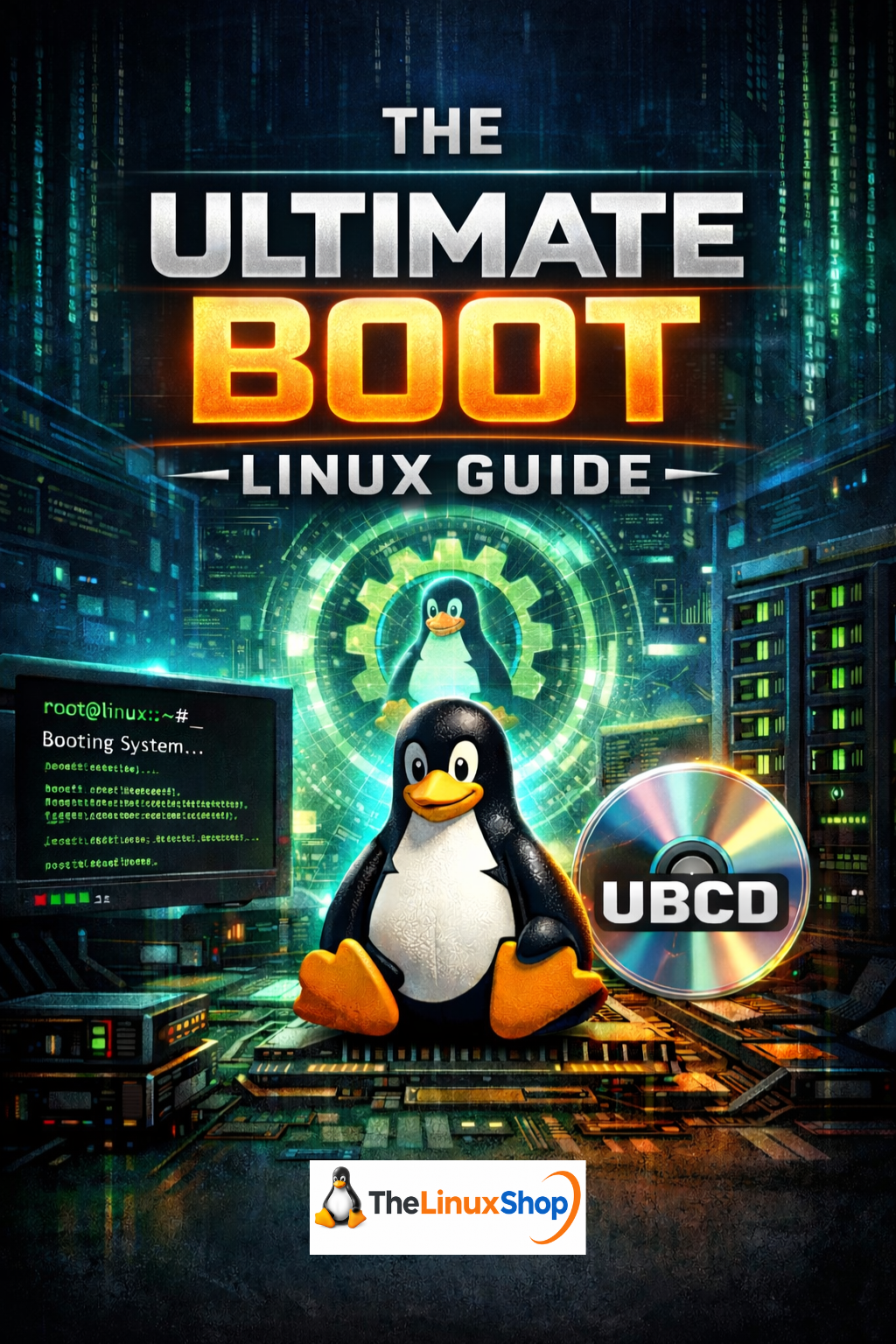
Number of Pages: 238
Format: PDF
Availability: Instant Delivery via Download

.png "Linux USB Twin Pack (Linux Mint vs elementaryOS)")