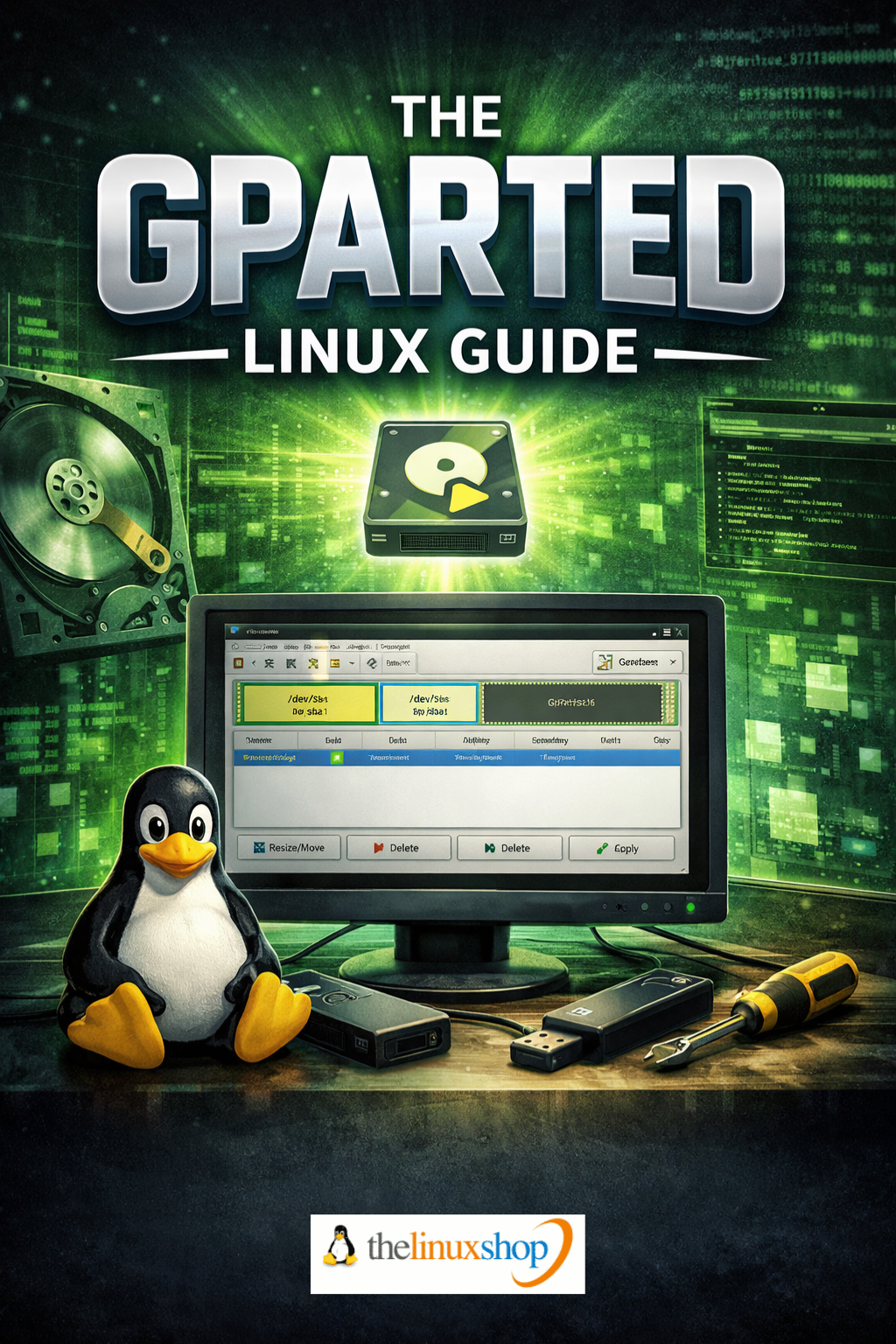
The GParted Linux Guide is a practical, hands-on ebook that shows you exactly how to use the GParted Live environment as your personal disk rescue and partitioning toolkit, without installing anything permanently on your system. Written in clear, plain English, it walks you through booting GParted Linux from USB or DVD, understanding its simple live desktop, and using the powerful GParted interface to take control of your disks with confidence.
This guide is ideal if you want to safely resize, move, and reorganise partitions, prepare space for a Linux dual-boot, or troubleshoot awkward Windows disk issues that built-in tools simply refuse to fix. It assumes you are comfortable using Windows but new or relatively new to Linux, and focuses on giving you straightforward, screenshot-backed steps rather than dense technical theory.
What this ebook covers:
- GParted Linux overview – What GParted Linux is, how the live environment works, and why running tools offline is safer and more flexible than working inside Windows.
- Hardware requirements and setup – Minimum specs, how to check your PC in Windows, and who GParted Linux is perfect for, including home users, tinkerers, and “family tech support”.
- Safe booting without touching Windows – Clear guidance on using one‑time boot menus, BIOS/UEFI settings, and Secure Boot so you can start GParted Linux and return to Windows with nothing altered unless you choose.
- GParted basics and interface tour – Understanding the disk map, device selector, partition table, and the all‑important pending operations queue so you always see changes before they are applied.
- Resizing, moving and copying partitions – Practical, worked examples for shrinking an NTFS C: drive, creating new partitions, and copying/cloning partitions to new disks.
- Checking, repairing and formatting disks – Using built‑in tools to run offline filesystem checks, repair common NTFS/ext4 issues, and cleanly format USB sticks and drives for Windows, Linux or shared use.
- Extra tools on the live desktop – A quick tour of the preinstalled file manager, text editor, SMART disk health checker, TestDisk, and other utilities that make the live system a full disk repair kit.
- Saving logs and documenting work – How to capture logs and screenshots from your live session and save them back to your USB for future reference or troubleshooting.
- Next steps toward Linux – Ideas for using your new skills to plan a dual‑boot layout or take further steps into everyday Linux, if and when you are ready.
Key benefits:
- Real‑world Windows scenarios – Written around situations like running out of space on C:, preparing for a dual‑boot, or dealing with stubborn partitions Windows Disk Management won’t move.
- Offline, low‑risk workflow – Shows you how to make changes from a live environment where Windows isn’t running, with every operation previewed and queued before you commit.
- Clear visuals and analogies – Uses friendly explanations and step‑by‑step descriptions so that even if you’re new to Linux, the tools feel approachable and logical rather than intimidating.
- Lightweight, fast and focused – Explains why GParted Linux is smaller and snappier than full desktop distros, and how that translates to quick, efficient disk maintenance sessions.
Chapters are organised to take you from first boot through to more advanced tasks at a comfortable pace, starting with understanding the live environment and working up to tasks like planning dual‑boot layouts and cloning partitions. Along the way, you will see how to check drive health, avoid common pitfalls with NTFS, and verify your changes back in Windows so you always know exactly what has happened.
This ebook is particularly suited to Windows 10 and 11 users who want a reliable, repeatable way to manage disks, prepare for Linux, or rescue awkward installations without paying for commercial tools. Whether you are the “family IT person” keeping everyone’s machines running or simply want more control over your own hardware, this guide turns GParted Linux into a trustworthy part of your toolkit.
Read it easily on your PC, Laptop, Tablet, Phone or Kindle.
Number of Pages: 82
Format: PDF
Availability: Instant Delivery via Download
Available Options:
Ebook: