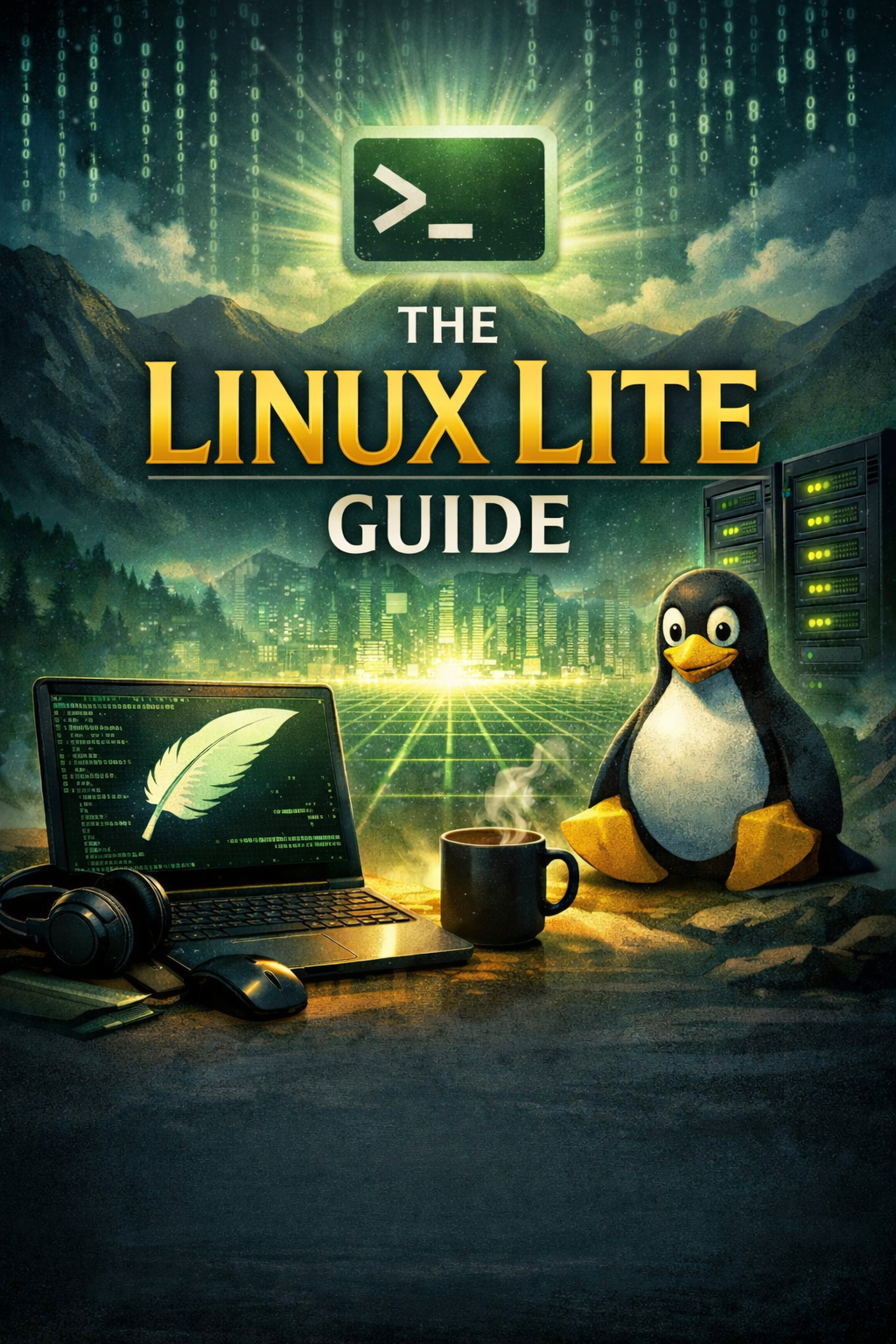
The Linux Lite Guide is a comprehensive, plain-English handbook for anyone ready to discover one of the world's most popular and welcoming Linux distributions. Written with clarity and depth, this guide takes you from first curiosity through to a fully configured, productive Linux Lite desktop — covering installation, software, maintenance, and beyond. Whether you're exploring Linux for the first time or simply want a reliable reference for Linux Lite's tools and features, this is the guide you'll come back to again and again.
What's Covered:
- Understanding Linux Lite — What it is, where it came from, and why it stands out from other distributions
- Hardware Compatibility — How to check your specs and confirm Linux Lite is a match for your machine
- Getting Linux Lite — ISO downloads, USB/DVD creation with BalenaEtcher and Rufus, and pre-made media options
- The Live Environment — Test-driving Linux Lite safely before committing to any installation
- Step-by-Step Installation — Clean install and dual-boot setup, explained in plain language with no assumptions
- Post-Install Setup — First boot, Welcome Screen, drivers, and getting everything working out of the box
- The XFCE Desktop — Navigating the desktop, file manager, taskbar, menus, and system settings
- Software Installation — Using the Lite Software tool, installing Chrome, Zoom, VLC, Audacity, and more
- Internet, Email & Office — Firefox, Thunderbird, LibreOffice Writer, Calc, and Impress all covered in detail
- System Maintenance — Updates, backups, system cleaning, and keeping Linux Lite running smoothly
- Linux Lite vs. The Competition — How it compares to Ubuntu, Linux Mint, Zorin OS, and others
Key Benefits:
- Instantly Readable — Clear, jargon-free writing with practical analogies that make technical concepts click
- Covers the Full Journey — From deciding to switch right through to a fully productive daily-use system
- Focused on Linux Lite 7.0 — Written specifically for the current series, based on the Ubuntu LTS foundation
- Real-World Advice — WiFi compatibility tips, printer setup, hardware gotchas, and AI-assisted troubleshooting
- No Fluff — Every chapter earns its place, from hardware checks to the XFCE desktop to software management
Linux Lite is built on the rock-solid Ubuntu LTS base, giving it the security and hardware support of one of the most trusted Linux platforms in the world — wrapped in a clean, taskbar-and-start-menu desktop that feels immediately natural. This guide reflects that ethos: powerful where it needs to be, approachable throughout. You'll learn how to use the Lite Software Centre to install your favourite apps in a few clicks, how to configure LibreOffice for daily productivity, and how to keep your system healthy with the built-in maintenance tools.
The guide also explores how Linux Lite fits into the wider Linux landscape, comparing it honestly against Ubuntu, Linux Mint, and Zorin OS so you can understand exactly what makes it the right choice for your needs. With over a decade of development behind it and more than 18 million downloads worldwide, Linux Lite has a reputation for breathing new life into ageing hardware — and this guide gives you everything you need to make the most of that reputation on your own machine.
Read it easily on your PC, Laptop, Tablet, Phone or Kindle — delivered instantly as a PDF the moment your order is placed.
Number of Pages: 57
Format: PDF
Availability: Instant Delivery via Download
Available Options:
Ebook: