.png)
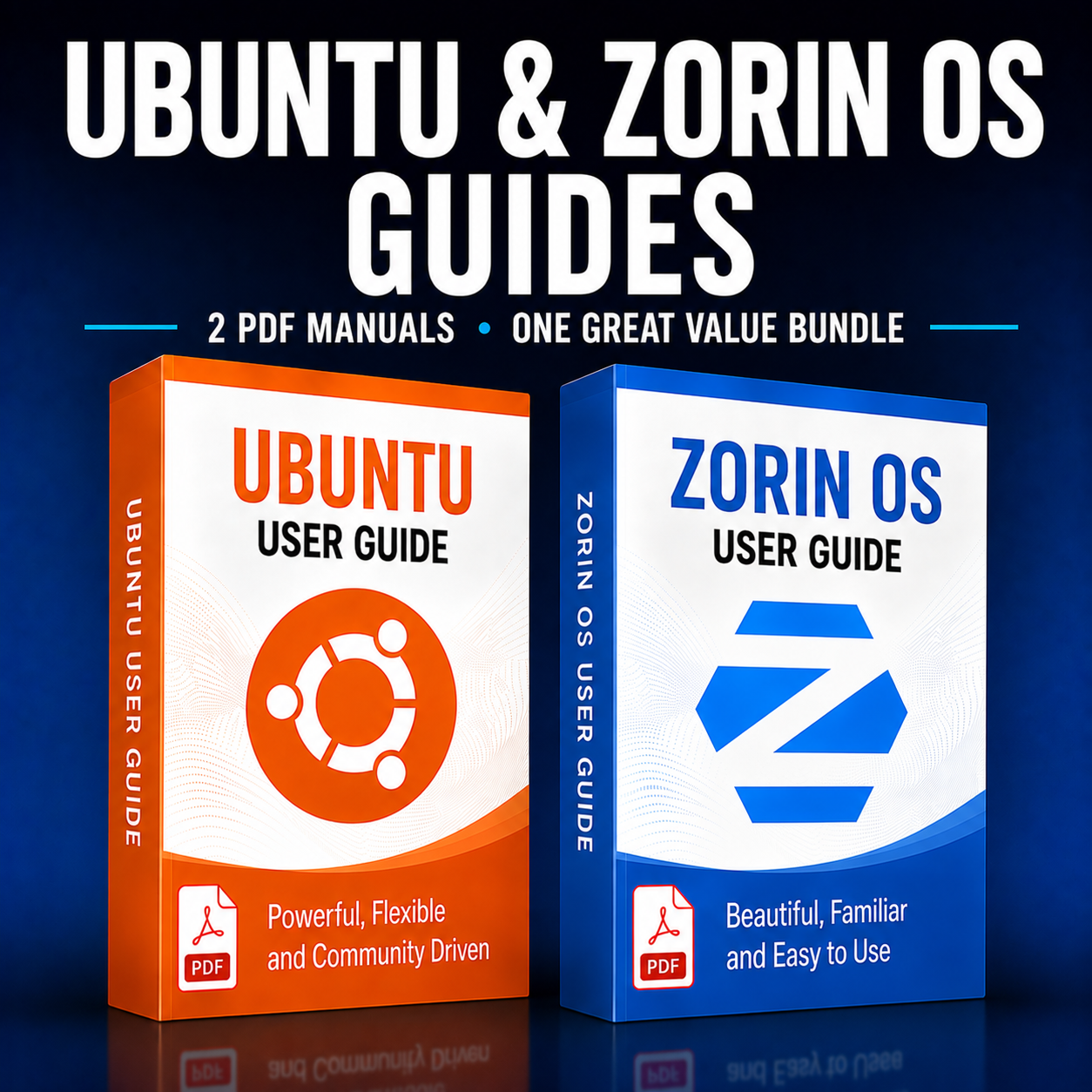
Ubuntu & ZorinOS PDF Guide Bundle – Perfect Companion to Your Linux Multi OS USB
Unlock the full potential of your Linux Multi OS USB with this focused PDF guide bundle covering both Ubuntu and ZorinOS.
Each guide is written for everyday users who want a clear, practical walkthrough of installation, basic configuration, and daily usage, without wading through endless online forum posts.
What’s included in this bundle
- Ubuntu PDF manual – step-by-step coverage of installation, desktop setup, software management, and system maintenance.
- ZorinOS PDF manual – tailored instructions for installing, configuring, and using ZorinOS as a friendly, Windows-style Linux desktop.
Ideal to accompany your Linux Multi OS product
This bundle is designed specifically to accompany our Linux Multi OS product offering, giving you a structured, offline reference while you experiment with multiple distributions from a single USB.
Use the PDFs side-by-side with your Multi OS USB to quickly compare workflows, try different desktops, and build confidence switching between Ubuntu and ZorinOS.
Clear, practical Linux guidance
- Clean layout with clickable sections and pages for fast navigation.
- Concise explanations focused on real-world tasks: installing apps, updating systems, managing files, and customising the desktop.
- Suitable for newcomers to Linux, but still useful as a quick-reference for more experienced users.
Excellent value bundle pricing
By choosing this bundle you get both full PDF manuals at a discounted rate, working out at less than £5 per guide.
It’s not only the ideal companion to your Linux Multi OS setup, but also a cost-effective way to grab these “super” Linux PDFs at a bundle-only price.
Instant access & easy reading
- Delivered as downloadable PDF files – view on desktop, laptop, tablet, or phone.
- Print individual sections or pages if you prefer to work with paper copies next to your machine.
- Keep them as a permanent reference library while you explore more distributions on your Multi USB.
Available Options:
Ebook: