.png)
32-Bit Pack Guides – Essential Linux PDF Manual Bundle
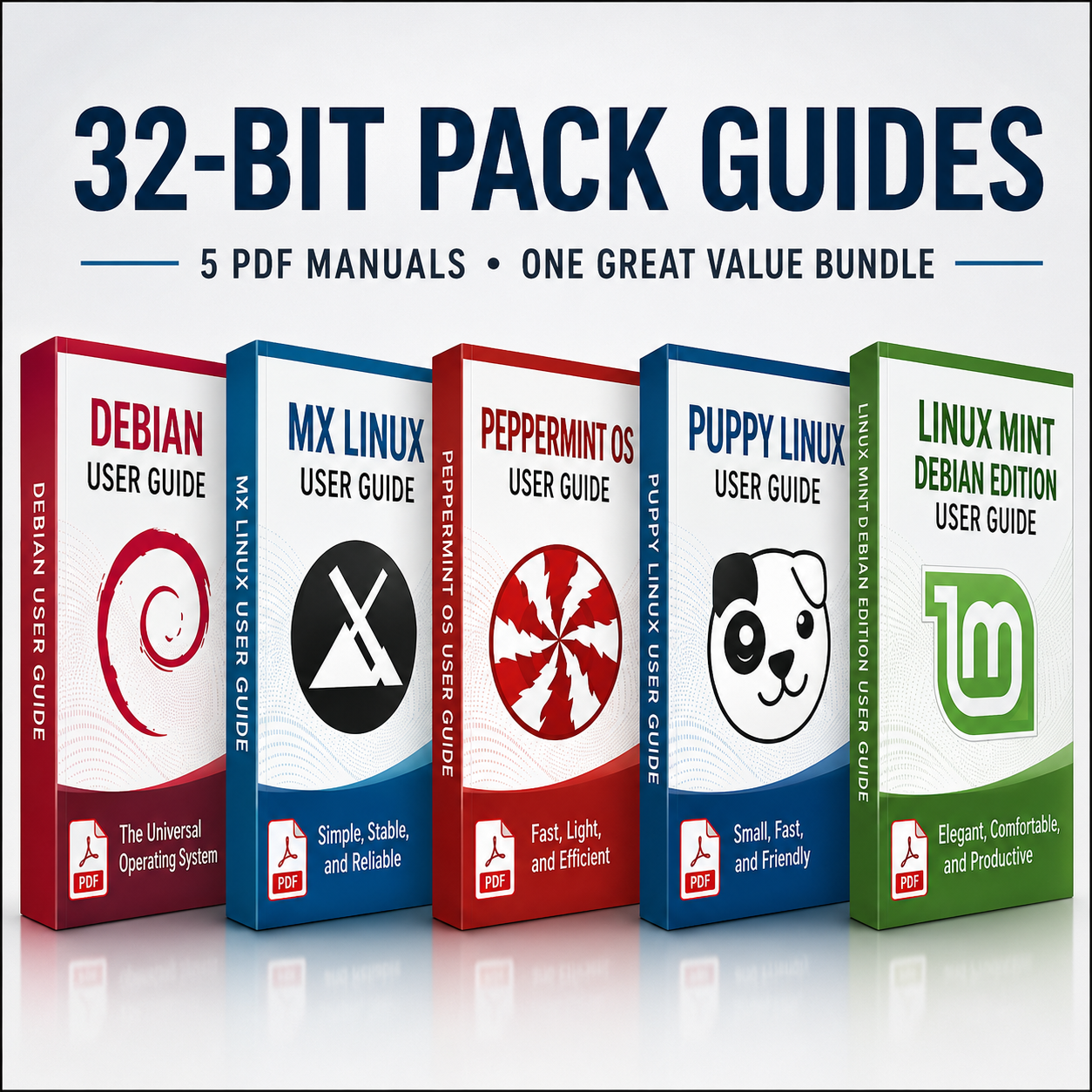
Unlock the full potential of your 32-bit systems with this value-packed bundle of Linux PDF manuals, designed to complement your Linux Multi USB products. This collection brings together clear, practical guides for some of the most popular and lightweight 32-bit friendly distributions, helping you install, configure and get productive quickly.
What’s Included in the 32-Bit Pack
- Debian PDF Guide – Learn how to install, configure and maintain a stable Debian system, including partitioning, package management with APT, desktop setup and essential system tools.
- MX Linux PDF Guide – Step-by-step coverage of installing MX Linux on older hardware, using the MX Tools, managing updates, and optimising performance on 32-bit machines.
- PeppermintOS PDF Guide – A focused guide to this lightweight, web‑centric distro: installation, ICE application integration, system settings and everyday desktop usage.
- Puppy Linux PDF Guide – Instructions for running Puppy from USB or hard drive, saving sessions, managing SFS modules and tailoring this ultra‑light distro for speed and portability.
- Linux Mint Debian Edition (LMDE) PDF Guide – Learn how to install and configure LMDE, use the Cinnamon desktop, manage software and keep a Debian-based Mint system running smoothly.
BONUS (we also include the following, giving you the best 32-Bit OS range to explore)
- Antix 26.1 PDF Guide
A super fast OS, great on older hardware.
- Q4OS 5.8 Install PDF Guide
A nice Windows look and feel to this fast Linux OS.
- Tiny Core 17 PDF Guide
One of the smallest and lightest Linux OS available, runs on as low as 256mb of RAM.
- Damn Small Linux 2024 PDF Guide
A classic in the small Linux OS space, super fast and lightweight.
Perfect Companion for 32-Bit Multi USB Drives
These 9 manuals are ideal for users running Linux on older PCs, netbooks, or low‑spec hardware where 32-bit support is essential. Each guide walks you through installation from USB, basic configuration, desktop usage, and key system management tasks, making it easy to switch between distros or find the one that suits your hardware and workflow best.
Why Choose This Bundle?
- Great value – Multiple full PDF manuals combined into one discounted bundle for 32-bit use.
- Beginner to intermediate friendly – Written to be accessible if you are new to Linux, but with enough depth for more experienced users configuring or troubleshooting systems.
- Portable references – Keep the PDFs on your Multi USB, laptop, tablet or cloud storage to access them wherever you are.
- Focused on practical tasks – Installation, updates, software management, desktop tweaks and core command‑line basics are all covered in an approachable way.
- With our Bonus manuals, this is 9 manuals worth over £70 for just £19.99
If you are using a 32-bit Multi USB collection and want clear documentation to guide you through each supported distribution, this 32-Bit Pack of PDF manuals offers a convenient, cost‑effective solution.
Available Options:
Ebook:

.png "Linux USB Triple Pack (Ubuntu vs Linux Mint vs Zorin OS)")