.png)
Lightweight Linux Pack Guides – PDF Manual Bundle
Give older or low-spec hardware a new lease of life with this Lightweight Linux Pack of PDF manuals, designed to accompany popular lightweight desktop distributions often used on Multi USB drives. This discounted bundle combines clear, practical guides that help you install, configure and get productive on fast, efficient Linux systems.
What’s Included in the Lightweight Pack
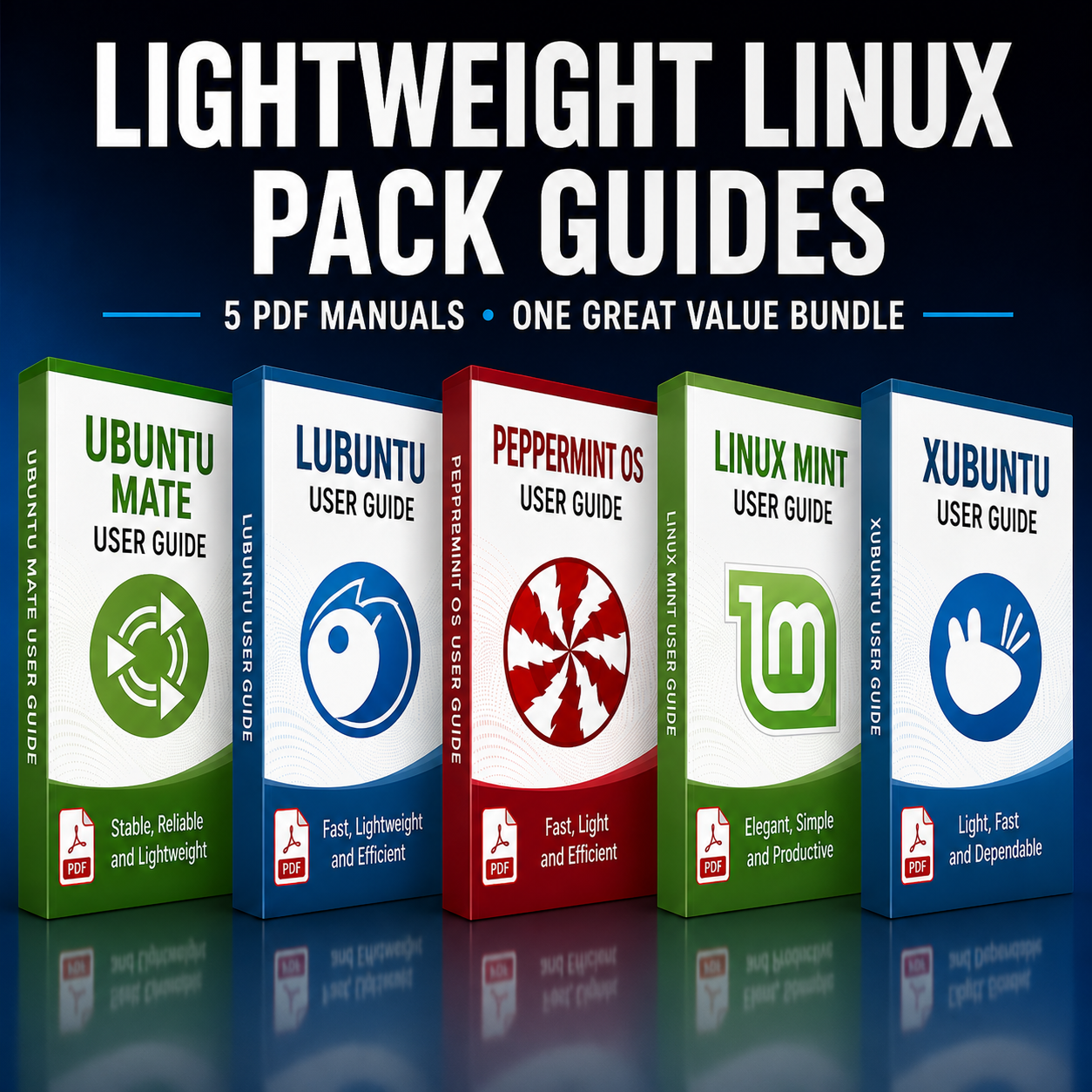
- Ubuntu MATE PDF Guide – Explains how to install Ubuntu MATE from USB, set up the MATE desktop, customise panels and menus, manage software, and perform everyday tasks on a familiar, classic-style interface.
- Lubuntu PDF Guide – Covers installing Lubuntu on older machines, using the lightweight LXQt desktop, managing updates and software, and optimising the system for speed and responsiveness.
- PeppermintOS PDF Guide – Focuses on installation, web-centric workflows, ICE site-specific browsers, desktop settings and tools, making it easy to blend web apps and local applications on low-resource hardware.
- Linux Mint PDF Guide – Provides step-by-step instructions for installing Linux Mint from USB, using the Cinnamon/MATE/Xfce desktop (depending on edition), managing drivers and codecs, using the Software Manager and keeping the system updated.
- Xubuntu PDF Guide – Details installing Xubuntu, working with the Xfce desktop, configuring panels and workspaces, managing applications, and tuning the system for efficient everyday use.
Optimised for Older PCs and Laptops
This pack is ideal if you are refurbishing older PCs, running Linux on netbooks, or simply prefer a fast, lightweight desktop that gets out of the way. Each manual guides you from booting the installer to a fully working, customised desktop, with sections on software installation, networking, updates and basic troubleshooting, so you can keep lean systems stable and responsive.
Why Choose This Bundle?
- Excellent value – Multiple full PDF manuals combined into one discounted bundle focused on lightweight distributions.
- Perfect for modest hardware – All included systems are known for running well on older or lower-spec machines without sacrificing usability.
- Great for beginners and switchers – Friendly desktop environments and clear documentation make it easier for new users and Windows migrants to get comfortable.
- Portable, always-available references – Keep the PDFs on your Multi USB, laptop or cloud storage for quick access whenever you are installing or configuring a system.
If you want a collection of lightweight, user-friendly Linux desktops with matching documentation, this Lightweight Linux Pack of PDF manuals offers a convenient, cost-effective companion to your Multi USB setup.
Available Options:
Ebook: