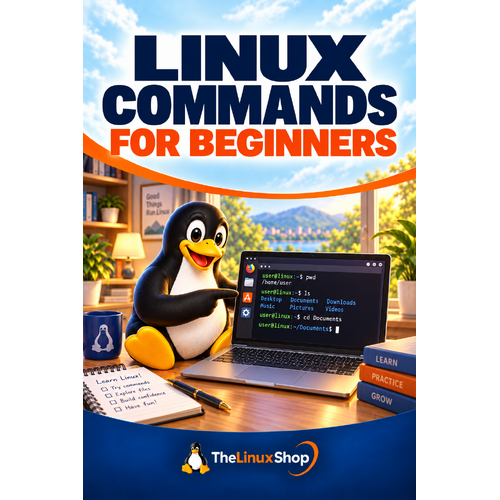

The terminal stops looking scary as soon as each command has a purpose and the strange prompt is explained.
Build terminal confidence one action at a time. Each command is tied to a recognisable task, with the prompt, path and expected output explained so you can understand what happened instead of simply copying text. No jargon jungle, no techie showing off—just useful guidance you can follow at your own pace.
What’s Inside:
- Prompts, paths and options - explained in everyday language, with the useful bits kept front and centre
- Working with files - covered through practical examples that make sense on a real computer
- Permissions and admin care - broken into sensible steps so you always know what to do next
- Useful tips along the way - Small shortcuts, checks and explanations that save head-scratching later
- Confidence for the next step - Finish with a clearer idea of what to do and why you are doing it
Why You’ll Enjoy This Guide:
- Understand, do not just copy - Commands and tools are explained so their results make sense.
- Safety built in - Risky actions are treated with the care your files deserve.
- Useful when things go wrong - Keep it nearby as a practical reference, not a book you read once and forget.
A handy Linux companion, wherever you read. The PDF format works nicely on a PC, laptop, tablet, phone or compatible e-reader. Download it, keep it nearby and dip back in whenever Linux throws you a new question.
Format: PDF Ebook
Availability: Instant delivery via download

.png "Linux USB Triple Pack (Ubuntu vs Linux Mint vs Zorin OS)")