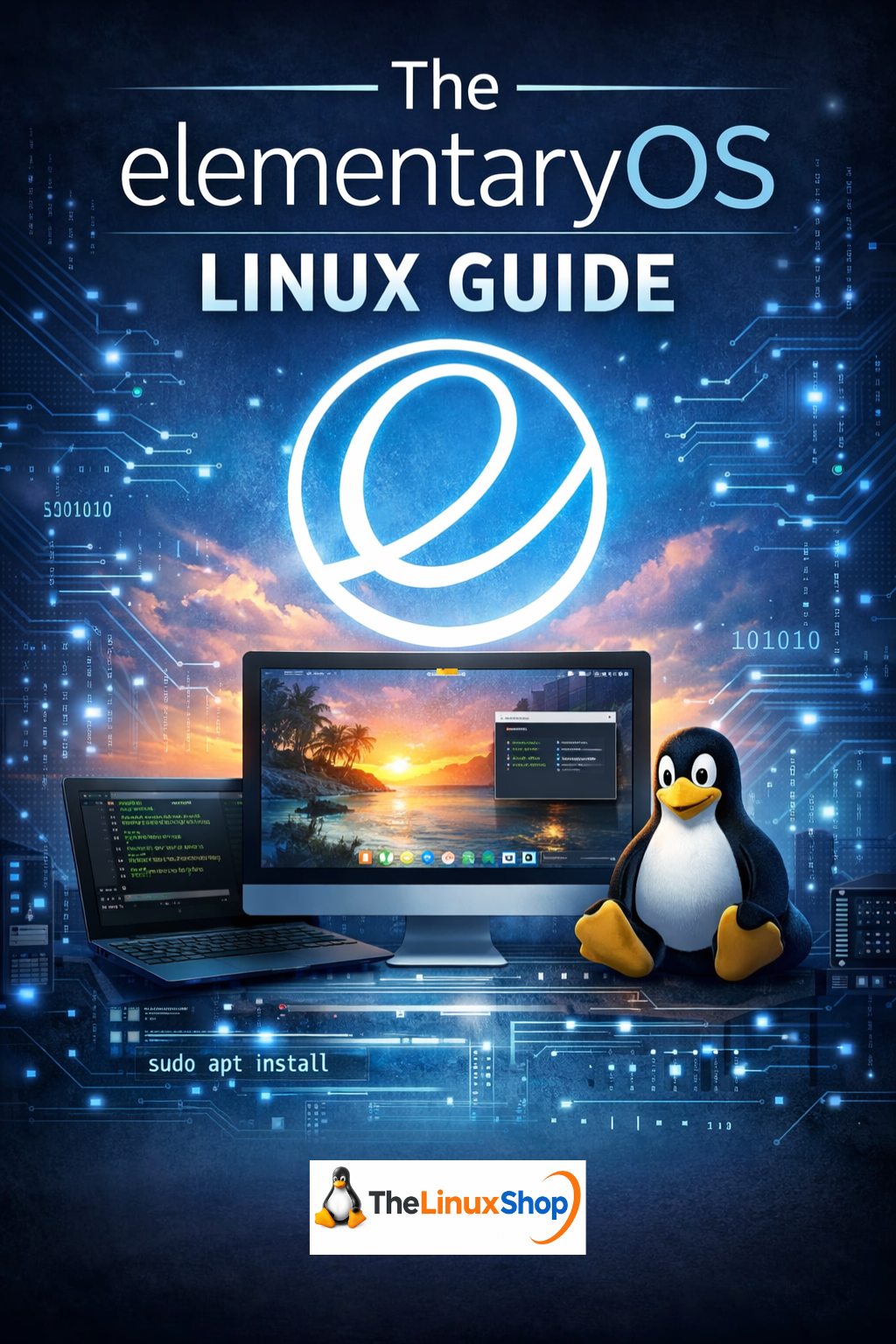
The elementaryOS Linux Guide is a complete, step-by-step ebook that walks you through installing, exploring, and confidently using elementaryOS 8 as your daily operating system. Whether you're coming from Windows, macOS, or another Linux distro, this guide helps you understand what makes elementaryOS thoughtful, capable, and ethical – and shows you exactly how to get the most from it without drowning you in jargon.
Written specifically for real-world, everyday users, it starts with what elementaryOS actually is, how it fits into the wider Linux world, and how to download and create your own bootable media. From there, you’ll learn how to try elementaryOS without risking your existing system, perform a clean install, or set it up alongside Windows or even dual boot with macOS on Intel-based Macs. Each chapter is paced sensibly, with clear explanations of terms and concepts so you always know why you’re doing something – not just which buttons to click.
What this ebook covers
- Getting started with elementaryOS – what it is, where it comes from, and how it compares to Ubuntu, Linux Mint and other popular distros.
- Downloading and creating bootable media – clear guidance on preparing USB/DVD installers and checking they really work.
- Safe test drives and installation – exploring elementaryOS without installing, doing a fresh install, or setting up dual boot with Windows or macOS on Intel hardware.
- Pantheon desktop tour – understanding the Wingpanel, Dock, workspaces, app grid and how the design stays consistent across the system.
- Default apps and AppCenter – email, calendar, photos, music, video, documents and the curated AppCenter with its pay-what-you-want model.
- Flatpak, Flathub and beyond – installing software from AppCenter, Flathub, .deb packages and when to use each option.
- Linux file system explained – moving from drive letters to the / root tree, with practical examples that make directory structure and permissions easy to grasp.
- Media, everyday apps and alternatives – playing music and video, managing photos, and finding Linux alternatives to your favourite Windows and macOS applications.
- System Settings and customisation – displays, sound, keyboard, networking, user accounts, privacy, theming and Pantheon Tweaks without breaking the clean default design.
- Terminal basics – a gentle, practical introduction to the command line so you can follow common instructions confidently when needed.
- Security, updates and safety – keeping elementaryOS up to date, staying safe when installing software, and understanding why Linux security and privacy feel different from Windows.
- Troubleshooting and next steps – tackling common issues, knowing where to look for help, and getting involved with the wider elementaryOS community.
Who it’s for
- Windows 10 users facing end-of-life or Windows 11 requirements who want a modern, privacy-respecting alternative without adverts and nag screens.
- macOS users who appreciate a polished, design-led desktop and want a similar feel on standard PC hardware.
- Existing Ubuntu, Mint or other Linux users curious about elementaryOS and its more cohesive, AppCenter-driven approach.
- Anyone who wants a clear, practical, Linux guide that explains concepts properly the first time and avoids unnecessary technical noise.
The guide assumes no programming background, just a willingness to try something new. It focuses on real tasks – installing software like Chrome, Spotify and VS Code, configuring displays (including HiDPI laptops), setting up printers and peripherals, and keeping the system running smoothly for the long term. Where the terminal is used, commands are broken down carefully so you can see exactly what each part does.
You can read it easily on your PC, Laptop, Tablet, Phone or Kindle, making it a handy reference whether you’re sitting at your main machine during installation or relaxing on the sofa planning your move to elementaryOS.
Number of Pages: 207
Format: PDF
Availability: Instant Delivery via Download
Available Options:
Ebook:

.png "Linux USB Twin Pack (Linux Mint vs Zorin OS)")