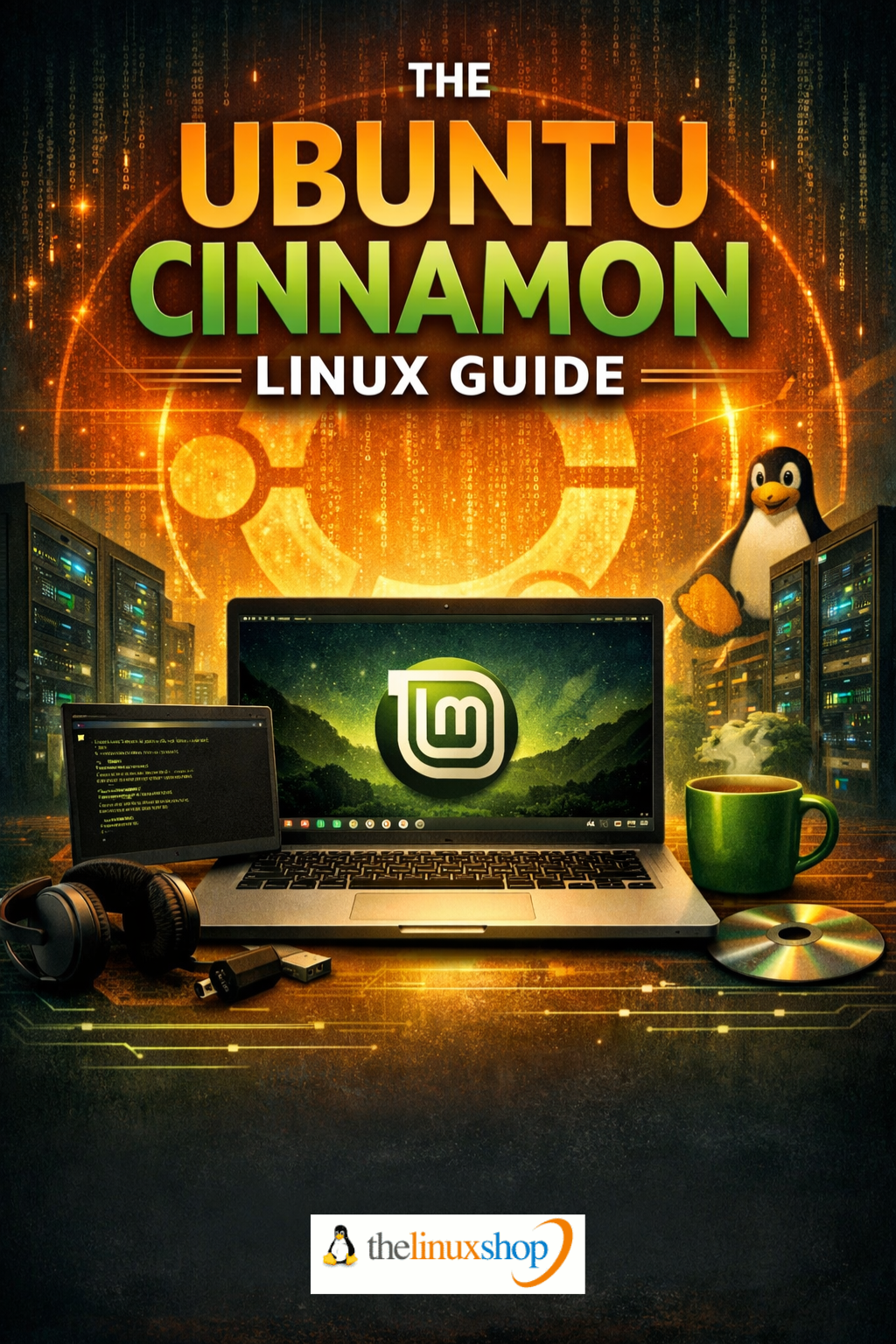
The Ubuntu Cinnamon Guide is a comprehensive, easy-to-follow handbook for anyone looking to get the most from Ubuntu Cinnamon Linux. Whether you're stepping into Linux for the first time or returning after time away from it, this guide walks you through everything — from installation to daily use — in clear, jargon-free language. With its familiar Windows-style desktop and the rock-solid Ubuntu foundation, Ubuntu Cinnamon is one of the most accessible Linux distributions available, and this guide is your ideal companion from day one.
What's Covered:
- Installation & Setup — Step-by-step walkthrough of creating bootable media, partitioning, dual-booting alongside Windows, and first-boot configuration
- The Cinnamon Desktop — A full tour of the interface, taskbar, application menu, workspaces, and system tray
- File Management with Nemo — Organising files and folders efficiently using Ubuntu Cinnamon's built-in file manager
- Software Installation — Using APT, Snap, and Flatpak to find, install, and manage applications
- Customisation with Cinnamon Spices — Themes, applets, extensions, and desklets to make the desktop your own
- Networking & Wi-Fi — Connecting to wired and wireless networks, VPNs, and troubleshooting adapters
- Working with Windows Files — Opening, editing, and sharing .docx, .xlsx, and other Microsoft formats seamlessly
- The Terminal — No Fear Required — A gentle, practical introduction to the command line for everyday tasks
- System Security & Updates — Keeping your system patched, safe, and performing at its best
- Printers, Scanners & Hardware — Getting peripherals working quickly and reliably
- Troubleshooting Common Issues — Practical solutions to the most frequently encountered problems
- Getting Help & Community Support — Where to go when you need answers fast
Why Ubuntu Cinnamon?
- Traditional Desktop Layout — Taskbar, start menu, and desktop icons exactly where you'd expect them
- Built on Ubuntu LTS — Five years of security updates, massive software library, and Canonical-backed stability
- Lightweight & Fast — Runs beautifully on hardware from 2015 onwards, using as little as 600MB RAM at idle
- Official Ubuntu Flavour — Fully recognised and supported since March 2023, not a side project
- Free & Open Source — No licence fees, no subscriptions, no forced updates
This guide covers Ubuntu Cinnamon 24.04 LTS (Noble Numbat), the current Long-Term Support release supported with security updates until April 2029. From your very first boot through to advanced customisation with Cinnamon Spices, the 25 chapters follow a logical progression — each one building naturally on the last. You won't be thrown into the deep end; concepts are introduced clearly with plain-English explanations, practical examples, and reassuring analogies that make everything click.
The guide covers the complete pre-installed software arsenal — LibreOffice, Firefox, Thunderbird, GIMP, Rhythmbox, Celluloid, and more — explaining what each application does and how it compares to familiar Windows equivalents. You'll also find detailed coverage of package managers including APT, Snap, and Flatpak, so you'll always know the best way to find and install whatever software you need. The Terminal chapter demystifies the command line entirely, showing you it's an occasional useful tool rather than something to be feared.
At 272 pages, this is a thorough, practical reference you'll return to again and again — not a quick-start leaflet. It's written to sit beside your keyboard as you work, answering your questions at the exact moment you need them. Read it easily on your PC, Laptop, Tablet, Phone, or Kindle — the PDF format means it's always with you, on any device.
Number of Pages: 272
Format: PDF
Availability: Instant Delivery via Download
Available Options:
Ebook:

.png "Linux USB Triple Pack (Ubuntu vs Linux Mint vs Zorin OS)")