Did you recently buy a new laptop or upgrade from Windows 10, only to find yourself frustrated with the Windows 11 experience? You are not alone. Many users dislike its online account requirements, advertising, background services, cloud integration, and frequent interface changes.
The Windows 11 Linux Replacement Pack is your alternative.
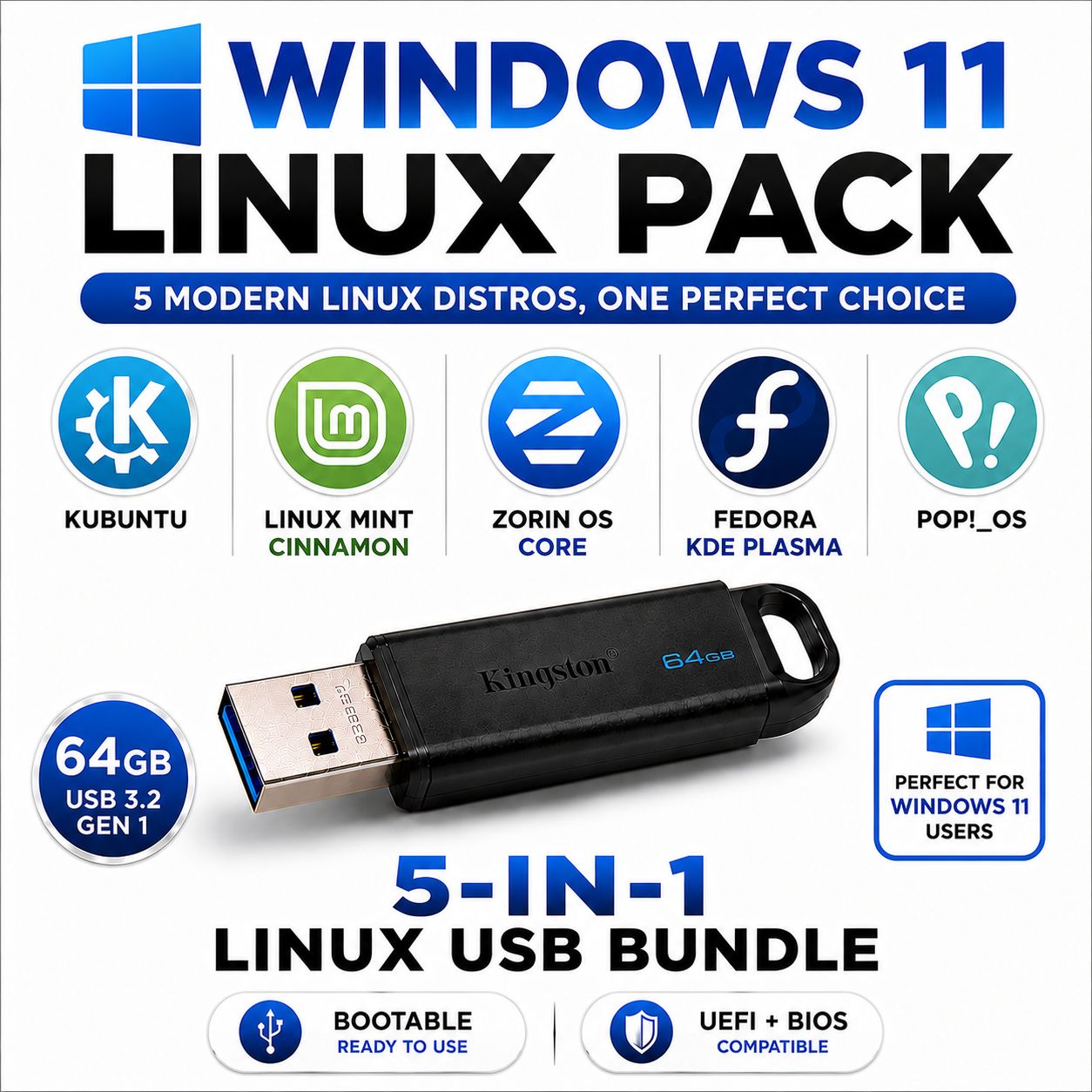
Supplied on a single 64GB multi-boot USB drive, this pack includes five carefully selected Linux operating systems designed to make moving away from Windows straightforward. They offer modern desktops, strong privacy, excellent performance, and greater control over how your computer works.
Simply boot from the USB drive and choose which Linux operating system you would like to try or install from the easy-to-use multi-boot menu.
Why Are People Moving Away from Windows 11?
If you are tired of the modern Windows experience, Linux can help solve many of the frustrations users face:
- Use a local account — Most Linux distributions let you create a straightforward local user account without requiring an online Microsoft account.
- Keep control of your files — Store documents locally without being pushed towards automatic cloud synchronisation.
- A cleaner desktop experience — No Start menu advertisements, suggested apps, or repeated prompts to subscribe to additional services.
- Greater privacy — Linux generally collects far less usage data and gives you more control over the software running on your computer.
- Updates on your terms — Choose when to download and install updates instead of having them interrupt your work.
- Fast and efficient performance — Linux can use fewer background resources, helping both modern and slightly older computers feel faster and more responsive.
What Is Included on the 64GB 5-in-1 Multi-Boot USB Drive?
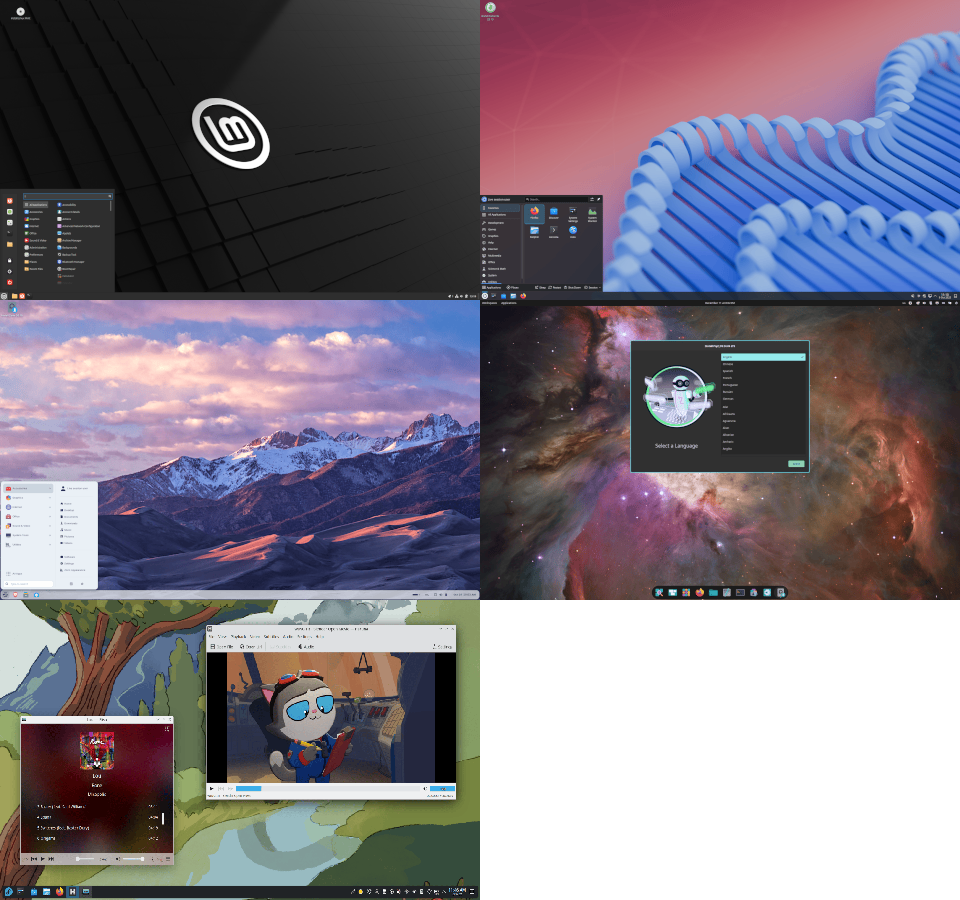
We have selected five Linux distributions that provide polished, beginner-friendly alternatives to Windows 11. Each offers its own desktop style and features, allowing you to compare them before choosing your favourite.
- Kubuntu 26.04 LTS — Ubuntu combined with the highly customisable KDE Plasma desktop, offering a familiar taskbar, application menu, system tray, and Windows-style workflow.
- Linux Mint 22.3 Cinnamon — A sleek, stable, and intuitive Linux distribution with a familiar desktop layout that makes the transition from Windows simple.
- Zorin OS Core 18.1 — Designed specifically for Windows switchers, with a polished interface that can be arranged to resemble familiar Windows desktop layouts.
- Fedora 44 KDE Plasma — A modern and forward-looking Linux system featuring recent software, strong security, and the flexible KDE Plasma desktop.
- Pop!_OS 24.04 LTS — A clean and productivity-focused Linux distribution designed for modern hardware, gaming, creative work, and everyday computing.
Try Linux Before Installing
Most of the included operating systems support Live Mode, allowing you to run Linux directly from the USB drive without immediately changing your existing Windows installation. You can explore the desktop, test your internet connection, check hardware compatibility, and compare each system before deciding which one to install.
One USB Drive, Five Windows 11 Alternatives
There is no need to carry several separate installation discs or USB sticks. All five Linux operating systems are stored together on one convenient reusable 64GB multi-boot USB drive. Each time you boot from it, simply select the operating system you want from the menu.
Whether you want more privacy, fewer restrictions, better performance, or simply a desktop that works the way you prefer, the Windows 11 Linux Replacement Pack gives you an easy and affordable way to explore life beyond Windows.
Five beginner-friendly Windows 11 alternatives on one USB drive!

.png "Linux USB Triple Pack (Linux Mint Cinnamon vs MATE vs Xfce)")